

- Brand: IDEAPRO
Overview
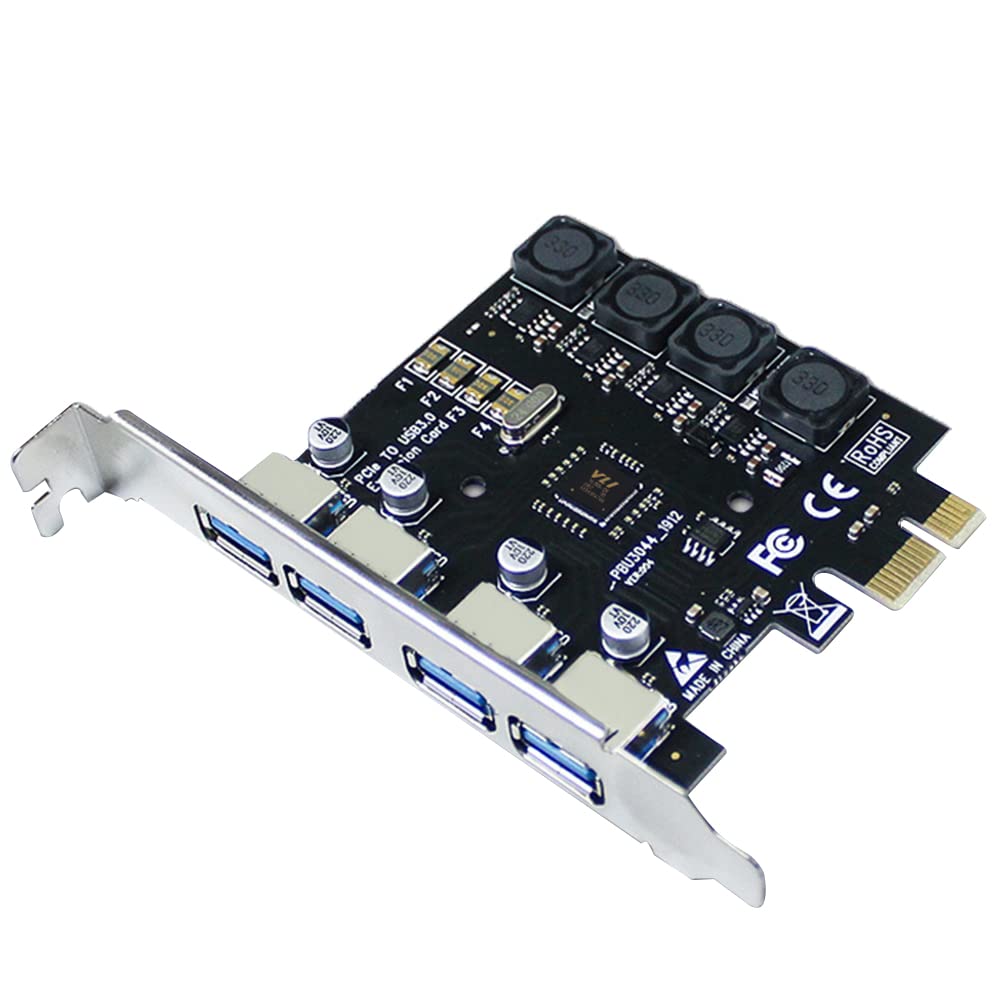
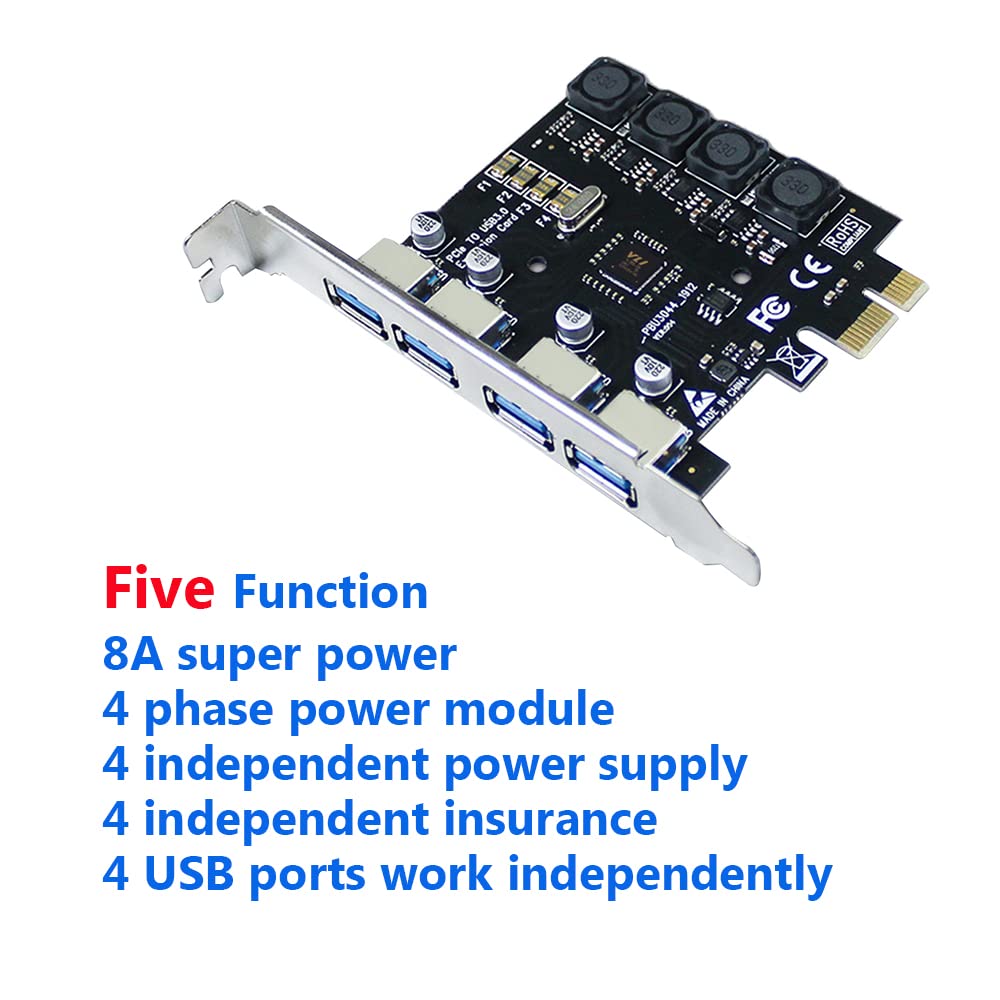
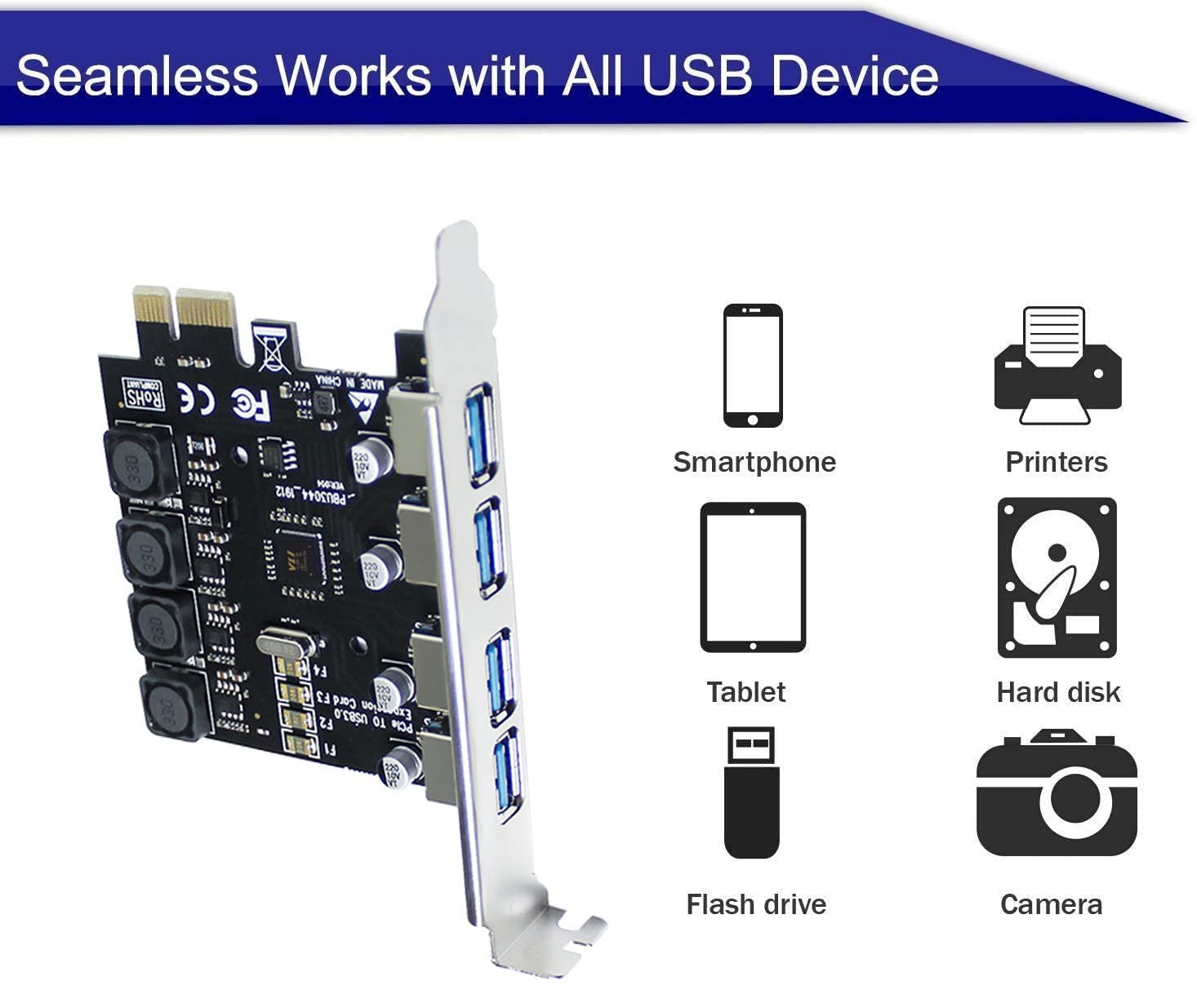
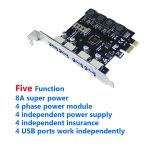
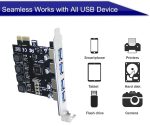
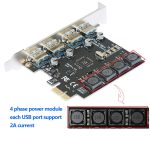
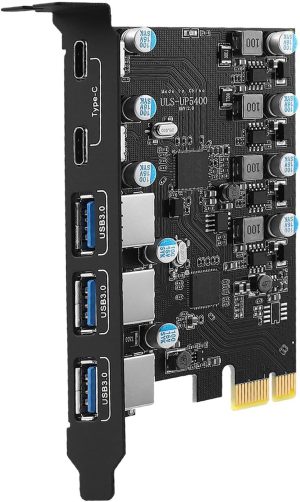
The USB 3.0 PCIe Card 4 Port PCI Express Expansion Adapter 5Gbps is designed to enhance your computer’s connectivity by providing four additional USB 3.0 ports. With a high-speed transfer rate of 5Gbps, this expansion card allows for efficient data transfer, making it ideal for users who require multiple USB connections for devices such as external hard drives, printers, and other peripherals.
This expansion adapter is suitable for personal computer users looking to upgrade their system’s capabilities. It is particularly beneficial for those running Microsoft Windows 7, 8.x, or 10, and who have an available PCI Express slot. Whether you’re a gamer, a creative professional, or simply someone who needs more USB ports, this adapter offers a modern solution to meet your connectivity needs.
Key benefits
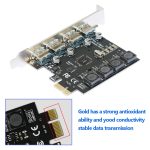
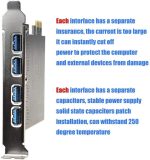
- Enhance your system with 4 additional USB 3.0 ports.
- Achieve fast data transfer speeds of up to 5Gbps.
- Compatible with Microsoft Windows 7, 8.x, and 10.
- Easy installation with one available PCI Express slot.
- Includes a CD driver and user manual for straightforward setup.
- Modern design fits seamlessly into your PC setup.
- Lightweight at just 90g for easy handling.
How to use
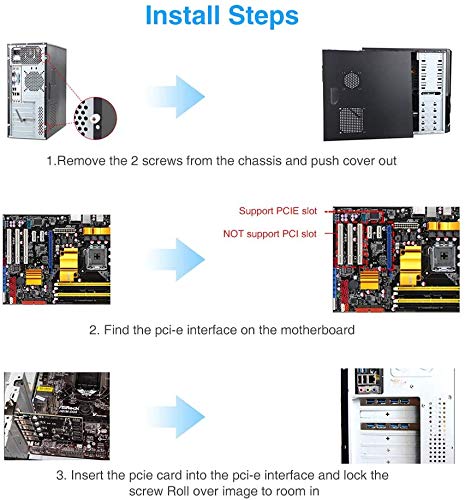
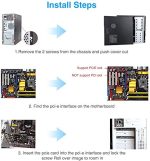
- Ensure your computer is powered off and unplugged.
- Open the computer case to access the PCI Express slots.
- Locate an available X2, X4, x8, or x16 PCI Express slot on your motherboard.
- Carefully insert the USB 3.0 PCIe Card into the chosen PCI Express slot until it is securely in place.
- Reassemble the computer case and plug your computer back in.
- Power on your computer and install the driver using the included CD or download it from the manufacturer’s website.
- Connect your USB devices to the ports on the USB 3.0 PCIe Card and enjoy high-speed data transfer.
Compatibility
- Compatible devices: Personal Computer
Specifications
- Manufacturer: Ideapro
- Compatible devices: Personal Computer
- Graphics Card Interface: PCI
- Hardware Interface: USB 3.0
- Operating System: Windows
- Package Dimensions: 14.7 × 12.7 x 2.6 cm
- Weight: 90 g
- Style: Modern
What’s in the box
- 1*USB3.1 PCI Express Host Card
- 1*CD Driver
- 1*User Manual
- 2*Screw
FAQs
What are the system requirements for the USB 3.0 PCIe Card?
The USB 3.0 PCIe Card requires one available X2, X4, x8 or x16 PCI Express slot (recommended PCI Express 2.0), Microsoft Windows 7, 8.x, or 10 operating system, and an Intel core i processor with 4GB DDR RAM or above.
What is included in the package?
The package includes 1 USB3.1 PCI Express Host Card, 1 CD Driver, 1 User Manual, and 2 screws.
What devices is the USB 3.0 PCIe Card compatible with?
The USB 3.0 PCIe Card is compatible with personal computers.



Mr M C MacPherson –
Seems good quality. Very easily installed. Ideal for computers that are a year or two old and only have USB 2.0 ports. This card ups the speed to external hard drives and the like. Super quick and efficient. Just install, reboot and Windows 10 recognised it immediately, no need for drivers.Excellent choice, totally happy.
John –
I have a ten year old Dell desktop with a glorious collection of miss-matched but still working parts jammed inside it. Running Win 7 Pro. I replaced a card with four old USB1 ports with this one.A reassuringly solid click as it went onto the slot.During set up the screen went a hideous yellow/green colour which disturbed me a bit but all the messages traipsing across it made sense. It took a few minutes to find the drivers and everything else, and then it was fine again. Moral of the story? Put the kettle on and leave it to sort itself out ;-)I’ve bounced a few massive files and folders around between my various drives since the installation and jobs which took minutes are now done in a few seconds.Can’t comment on its longevity, but in the last two days it definitely impressed me.The fact it doesn’t need a power supply is a bonus.So far I’ve only connected peripherals. I haven’t tried to charge anything from the ports.John
Stefano Boscolo Marchi –
Finalmente una scheda USB 3.0 che funziona!
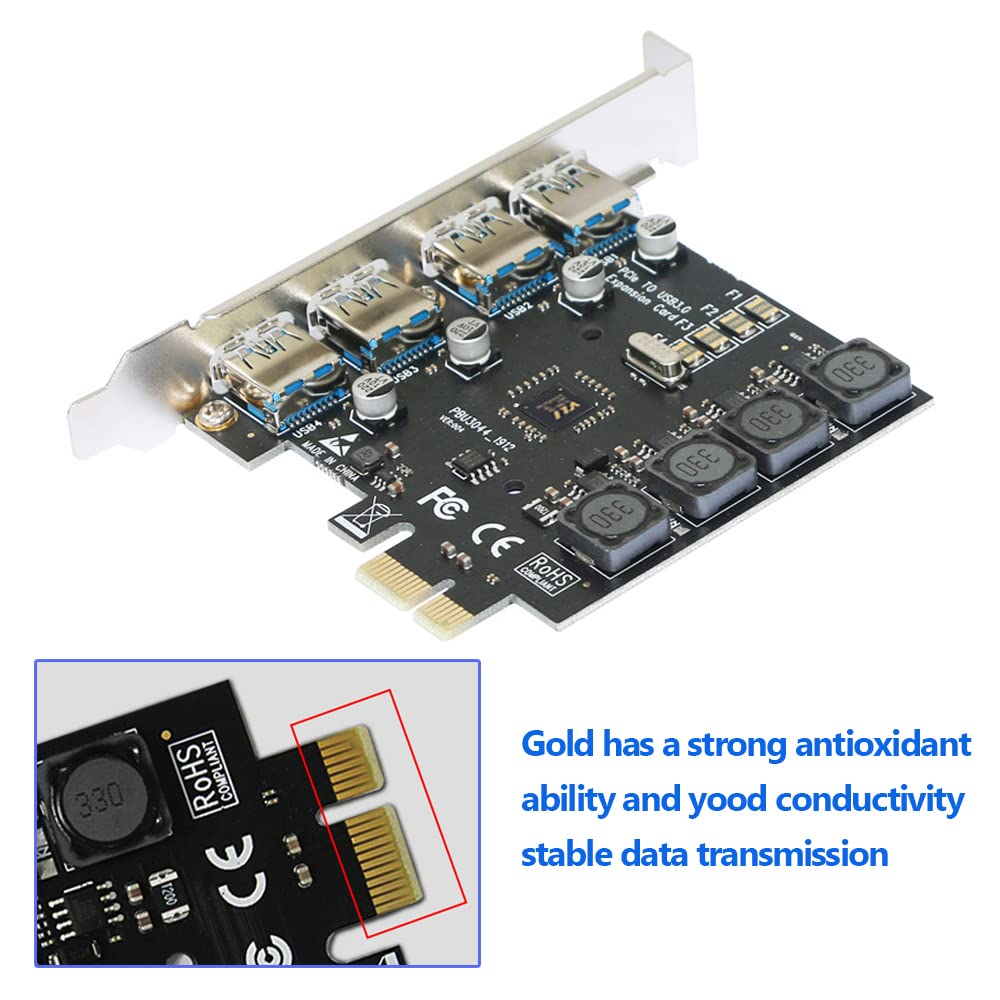
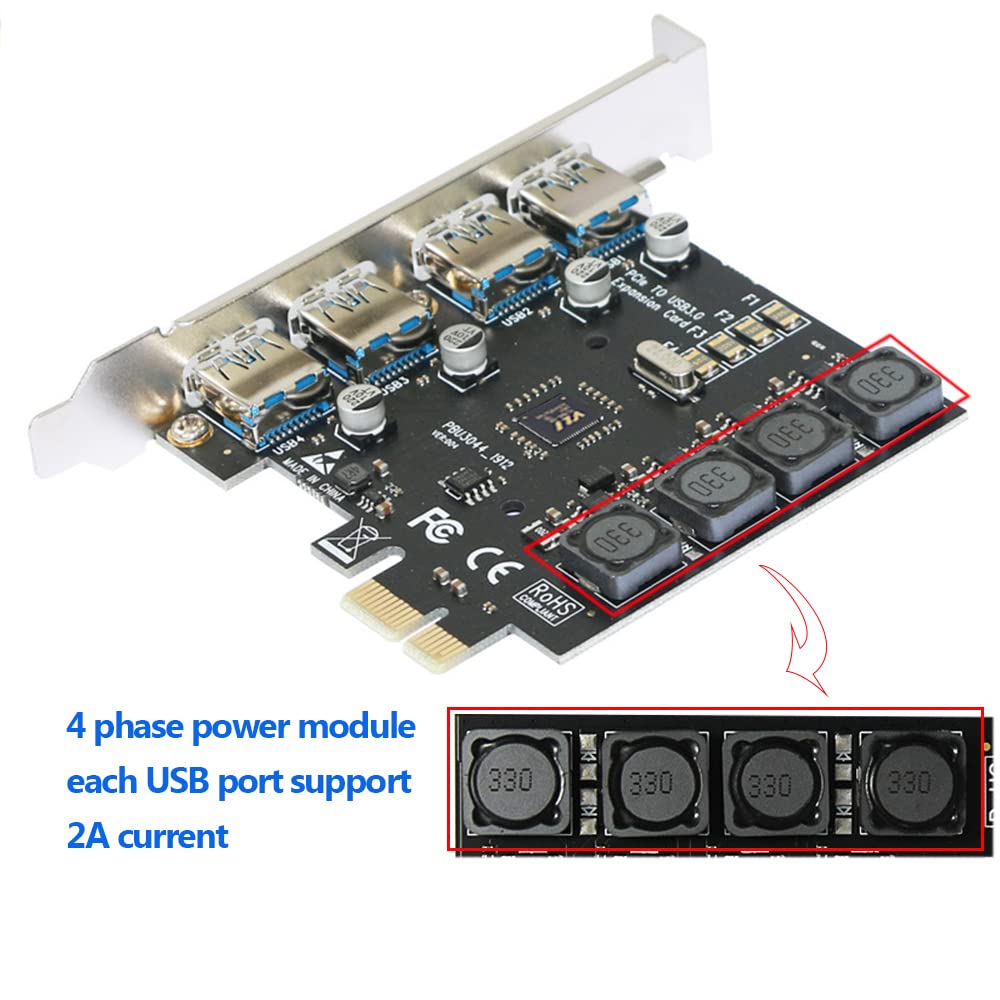
Finalmente una scheda che funziona davvero, non ci speravo quasi più.Dopo aver comprato già due schede di altre marche con alimentazione supplementare tramite molex che promettevano miracoli ma che hanno smesso di funzionare dopo poco tempo, ero restìo a comprare un’altra scheda USB 3.0.Le poche recensioni e la presenza di 4 stabilizzatori 330 per linea mi hanno convinto ad acquistarla, inoltre non serve alimentazione supplementare, anche perchè il bus pci teoricamente fornisce già tutta la potenza necessaria.Le 4 porte funzionano perfettamente, ho collegato 2 western digital my book 4 TB e 2 Lacie Porsche 8 TB e vengono visti tutti da windows, cosa che non succedeva con le due schede precedenti che avevo acquistato che vedevano solo 2 hard disk.Sono pienamente soddisfatto, spero che almeno questa non si rompi in breve tempo, ne consiglio vivamente l’acquisto, lasciate perdere le altre con alimentazione supplementare, inoltre questa ha un ottimo rapporto qualità prezzo e non necessita di drivers sotto Windows 10.
Peter Mason –
Wanted more usb slots for my pc so I chose this to add 4 more instead of using a usb extension thing.Installation was very easy as it just clips in to the pcie slot.I didn’t have a disc drive so I couldn’t use the disc that comes included to install the drivers however I tried plugging things into it anyway and it seemed to work so maybe it auto installed them.After plugging in different usb devices I found nearly everything worked accept my webcam but that’s fine.Great product, would recommend and very good for the value.
T D Jones –
When I first installed this, it seemed fine. I had 3 mobile disks attached and it coped with no problem. More recently it has taken do doing short “blips” which aren’t enough to stop work but play havoc with my backup system, which keeps disabling the backup job when it sees the disk missing.Will try for now to see if it’s more stable with powered disks on it.
Rimantas –
I have an older side-PC that refuses to have working USB3 ports (both on the motherboard and on the front panel stopped working at some point and nothing, including a full windows reinstall, drivers, etc would make them work) no matter what. USB2 worked fine. Perhaps there’s a fault that developed with the USB3 controller – who knows. I decided to give this expansion card a try to see if it would help.I opened the case, slotted the card in, closed the case, booted into Windows 10 – boom, we have 4 new USB3 slots working immediately!For the sake of 20 quid and 2 minutes of my time – the PC is no longer doomed to be stuck with the slow USB2 – that’s a win!I can definitely recommend this card for now. Time will tell if it breaks, of course.Technical stuff:I specifically chose this type of an expansion because it does not require any extra SATA cables or USB headers to work – it has its own controllers and draws power from the PCIe slot as per PCIe spec. All that makes this card much more versatile, in my opinion, as well as much easier to install than other solutions.One thing to note – some people claim you must install this card into the short (1x) PCIe slots – that’s nonsense. You can install any smaller PCIe device into a larger slot too – it will work fine. The PCIe spec allows the slots to work at whatever lower config required, so don’t worry if you don’t have the small (1x) slots available (they could be obscured by a large GPU, for example) – you can use a spare big one (like a 16x or an 8x slot used for GPUs or other expansion cards, 4x slots, etc). The slot I randomly used (in the pics) appears to be a 1x slot anyway, looking at the pin-out, despite its large size. Just use whatever makes sense to spare, leaving a gap for the GPU to breathe, depending on your model and fan config.
David –
Plug n play
Je n’avais pas besoin de ports USB3 supplémentaires par contre j’avais des problèmes de déconnexion avec mon casque Oculus Rift S et des parasites dans les HP avec ma carte son Focusrite (4i4 3rd Gen) quand ma carte graphique se mettait en charge dans un jeu par ex. (1080Ti)Et merveille tout fonctionne, plus de bruit parasite et pour le moment le casque fonctionne à chaque coup en le mettant sur la tête!
Andrew Maher –
Perfect simple upgrade!
Works perfectly. Using Windows 11 and MSI Z590 Motherboard…plug and play, no messing about with updates or drivers. All ports working well with good connection speeds as expected. Great value for a simple, worthwhile upgrade.
Chris Tian –
Parfait.
Vite mise en place et très bon fonctionnement, pas besoin du disque d’installation. Tout est parfait.
Stephanie –
First things first, the important bits of my system;OS: Windows 10 64-bitCPU: Ryzen R7 5800XRAM: 64GB Corsair Vengeance LPX 3000MHz CL16Motherboard: ROG Strix B550-F GamingI’m running this in the first PCIe 3.0 x1 slot. Installation was a breeze, it was picked up instantly in Windows. I bought this just to free up more ports on the motherboard for higher priority things. Although, most things plugged into this expansion card are going to be USB 2.0 speeds, I decided to throw in an old SanDisk Ultra 16GB pen drive I had laying around that runs at 3.0. Read and write speeds were within reason for an aging pen drive.It seems to be doing its job. So far, so good.
Matthew owst –
So I got this to replace a powered USB hub with the intent on it powering my stream deck, mic, keyboard and mouse. It fit perfectly, good and secure and everything works except the mouse. It blinks for a second but no life after that, in any port. Dont know if its specific to mice, maybe rival 5 specifically, but be aware of it. Other than that yeah it’s great and makes cables look much neater.edit: No loses connection regularly to everything, unusable so being returned. Tried in all available pci slots and no change
Can Taylan Gültekin –
Ürün Çalışıyor
Herhangi bir yazılım yüklemeye gerek kalmadan takılarak kullanılabiliyor. Memnun kaldım.
Sam –
Works well in all the windows operating systems i have tried it in. Win 7, Win 10, Win 11