
- Brand: FARBOKO
Overview
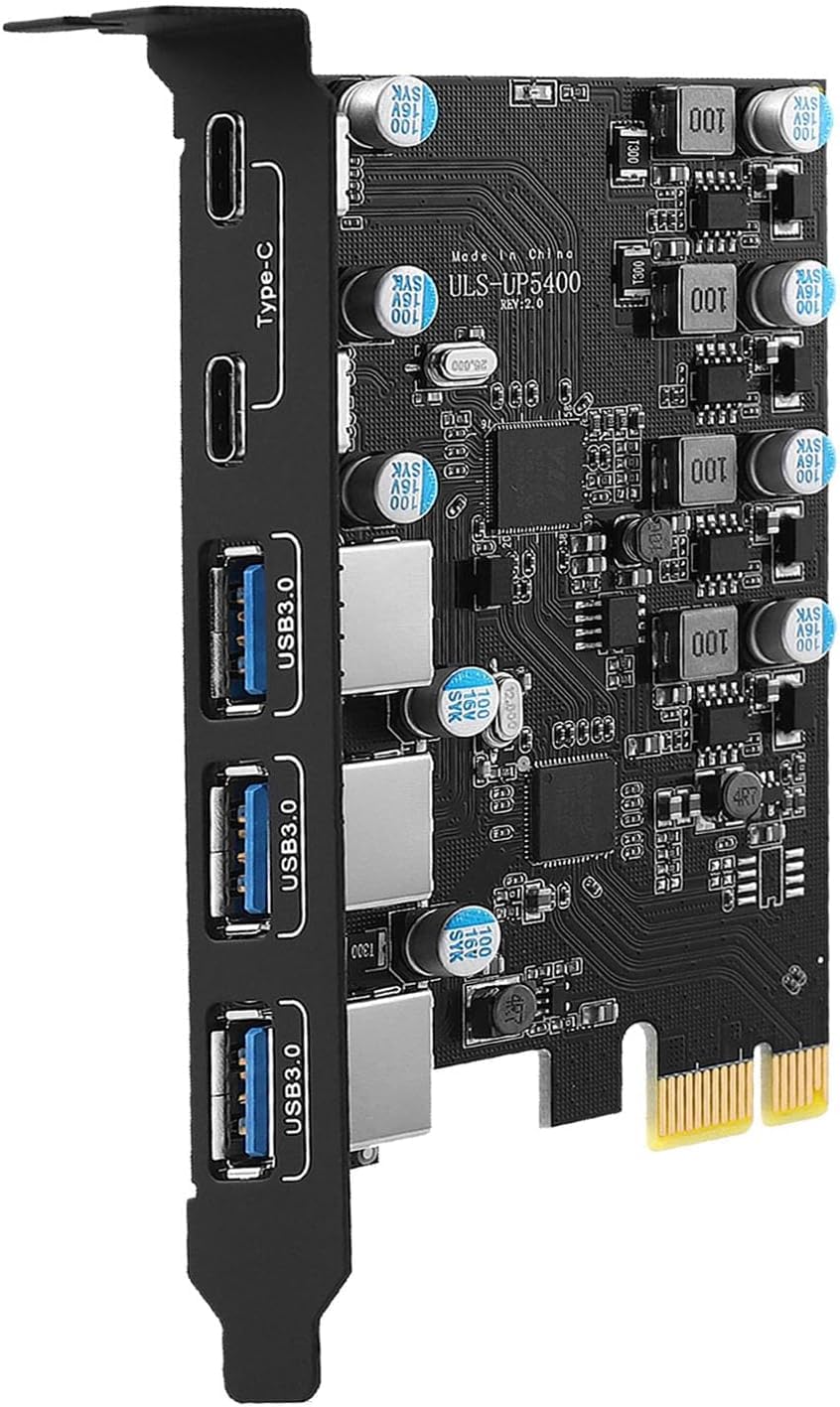
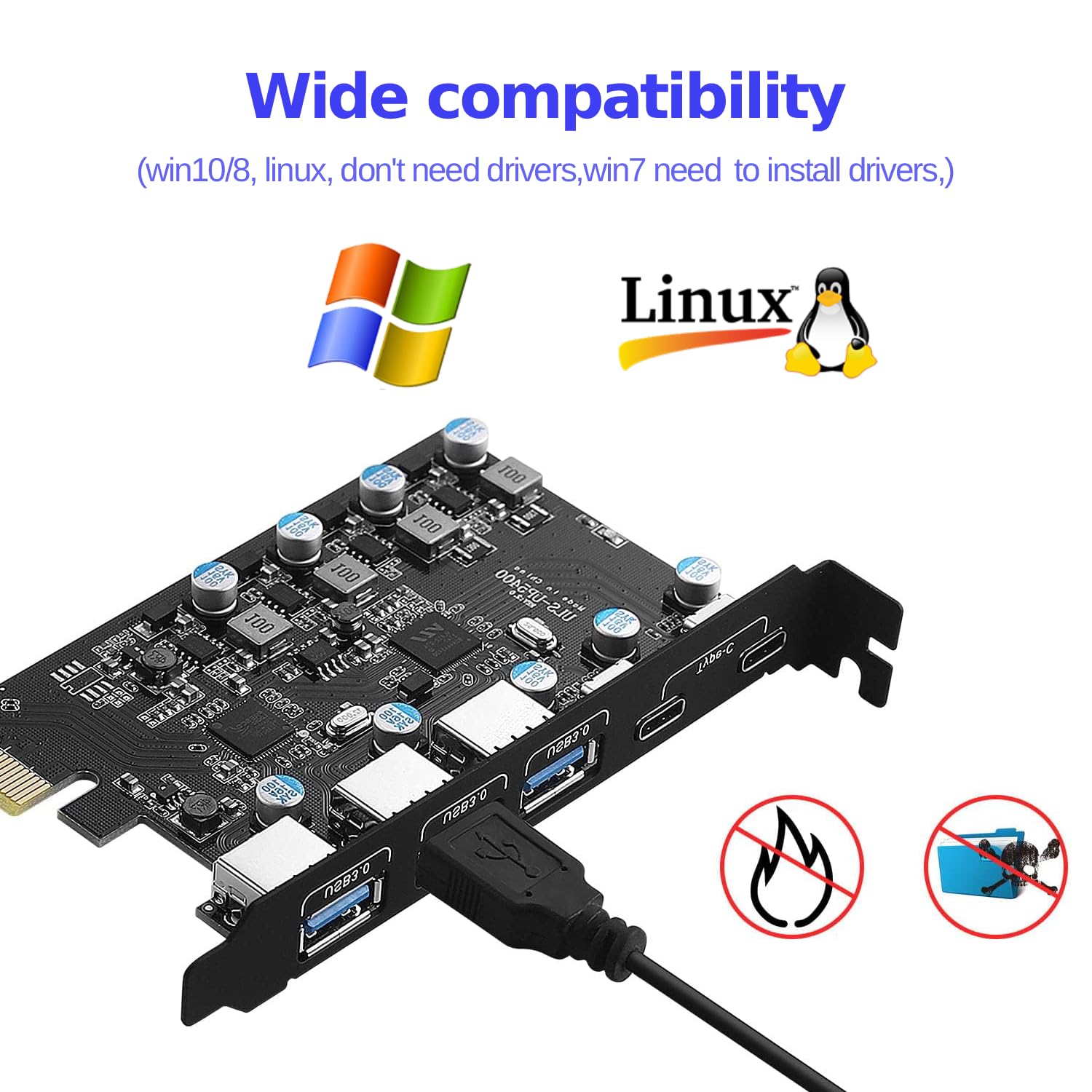
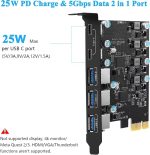
The PCIe USB 3.0 Card 5 Port offers a seamless expansion solution for desktops, featuring three USB A ports and two USB C ports, all capable of delivering high-speed data transfer rates of up to 5 Gbps. This card is ideal for users looking to enhance their connectivity options, whether for connecting multiple peripherals, charging devices, or transferring data efficiently.
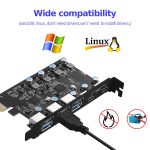
Compatible with a range of operating systems including Windows 7, 8, and 10, as well as macOS 10.8.2 and above, this expansion card suits both casual users and professionals alike. A practical use case would be for a PC user who needs to connect several devices simultaneously, such as printers and external storage, while also benefiting from the fast charging capabilities of the USB C ports.
Key benefits
- Expand your desktop with 5 ports: 3 USB A and 2 USB C.
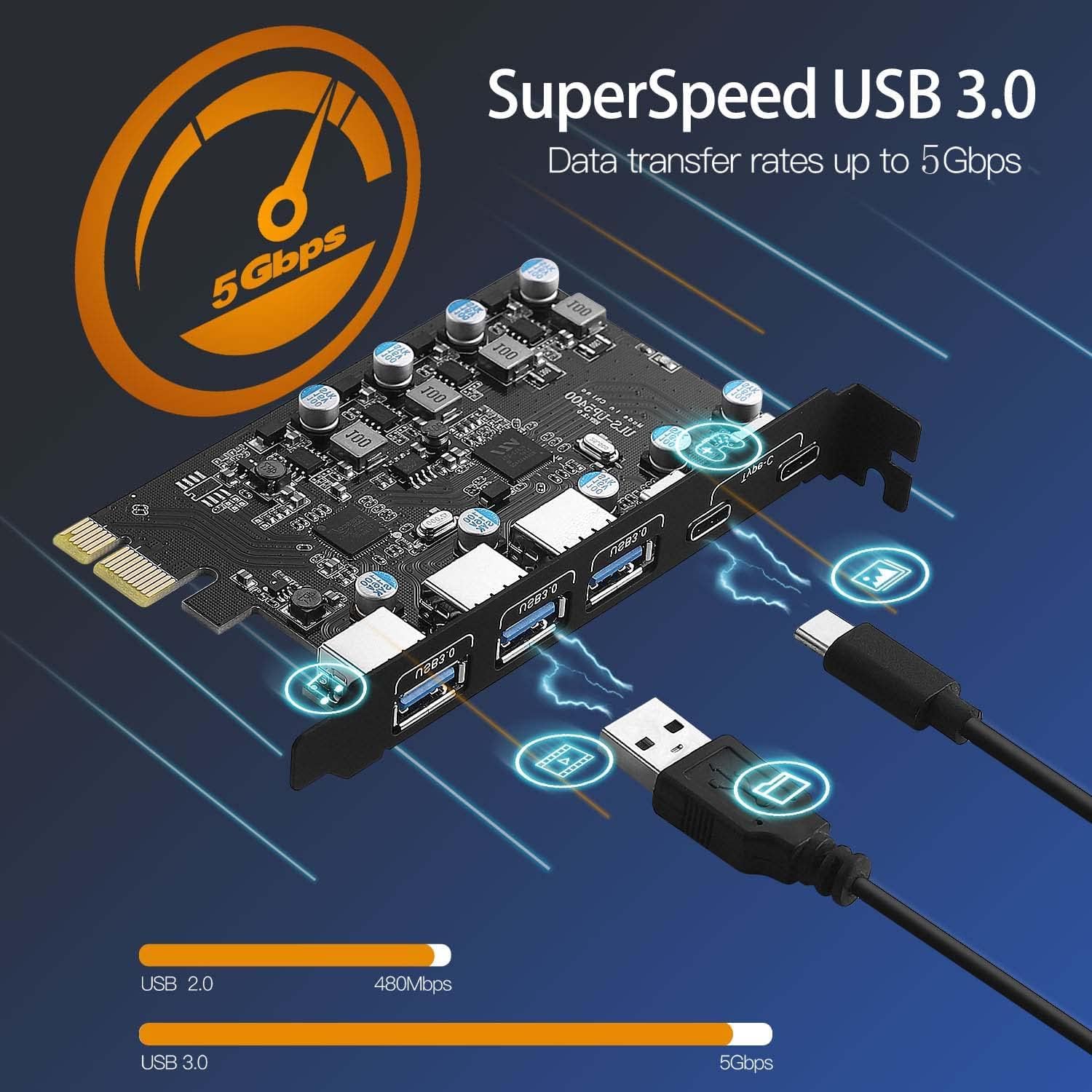
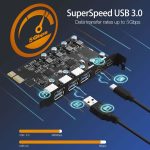
- Supports data transfer speeds of up to 5 Gbps.
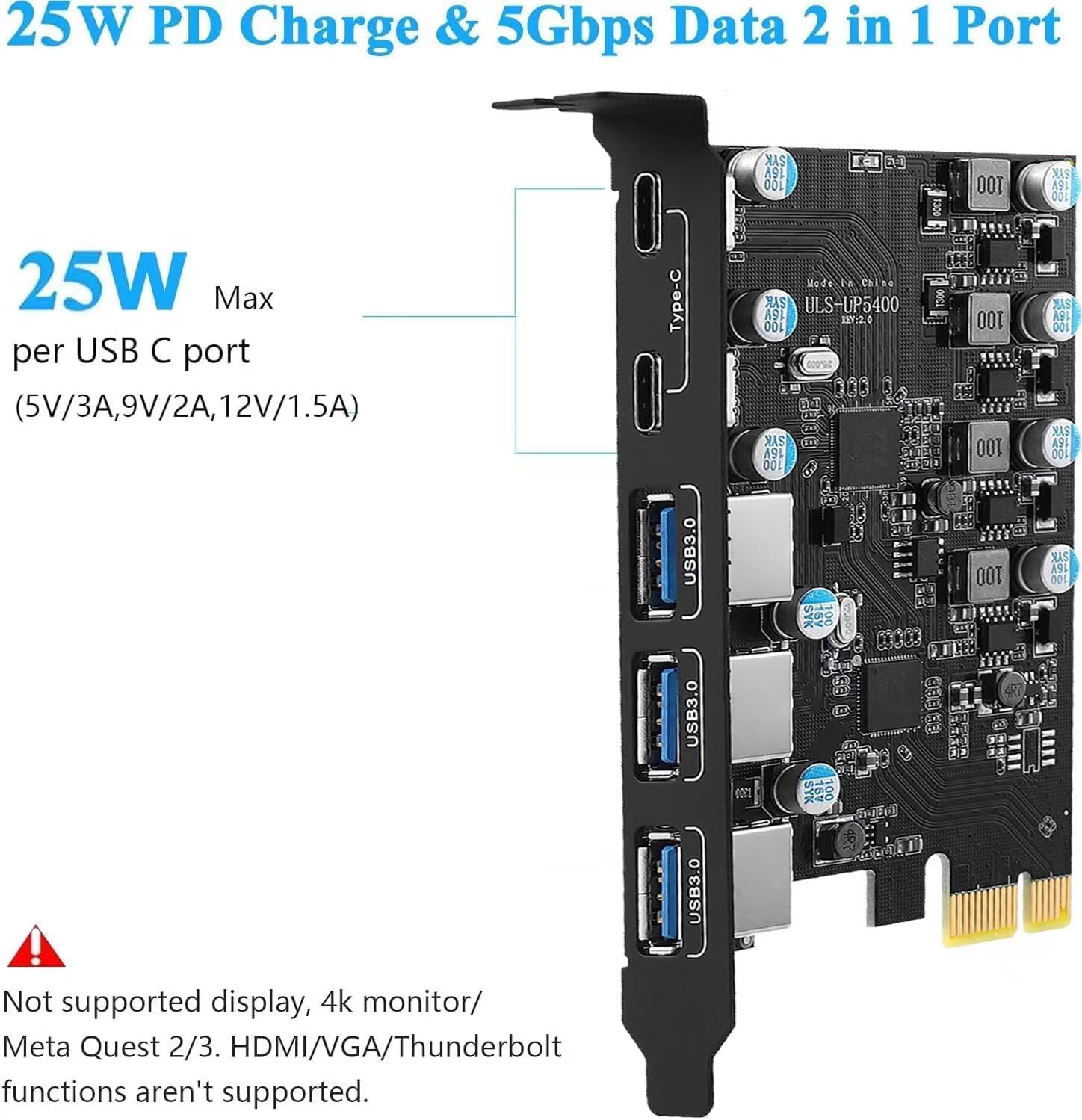
- USB C ports provide up to 25W charging power per port.
- USB A ports support BC 1.2 protocol for efficient charging.
- Compatible with a range of operating systems including Windows and macOS.
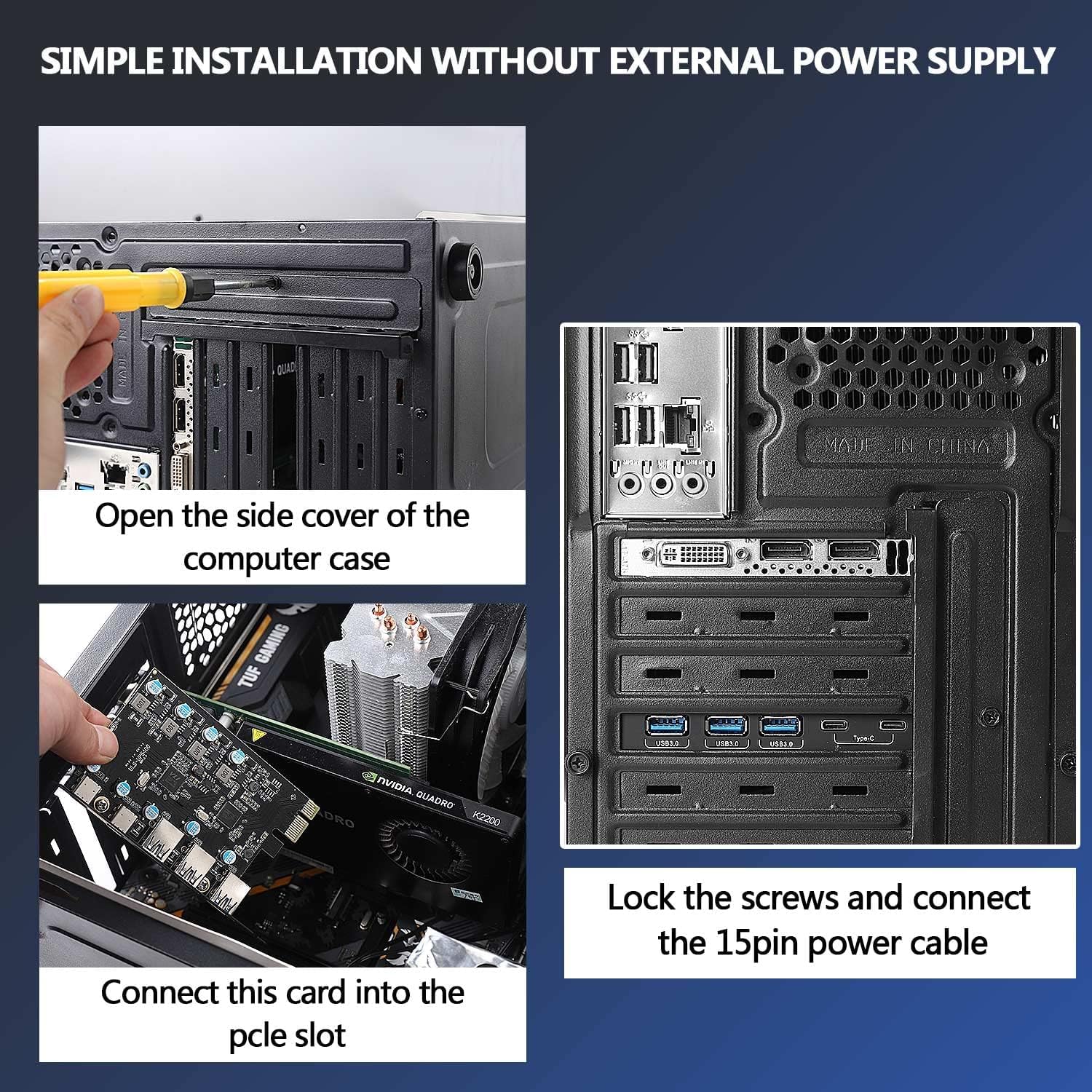
- Easy installation with no additional power source required.
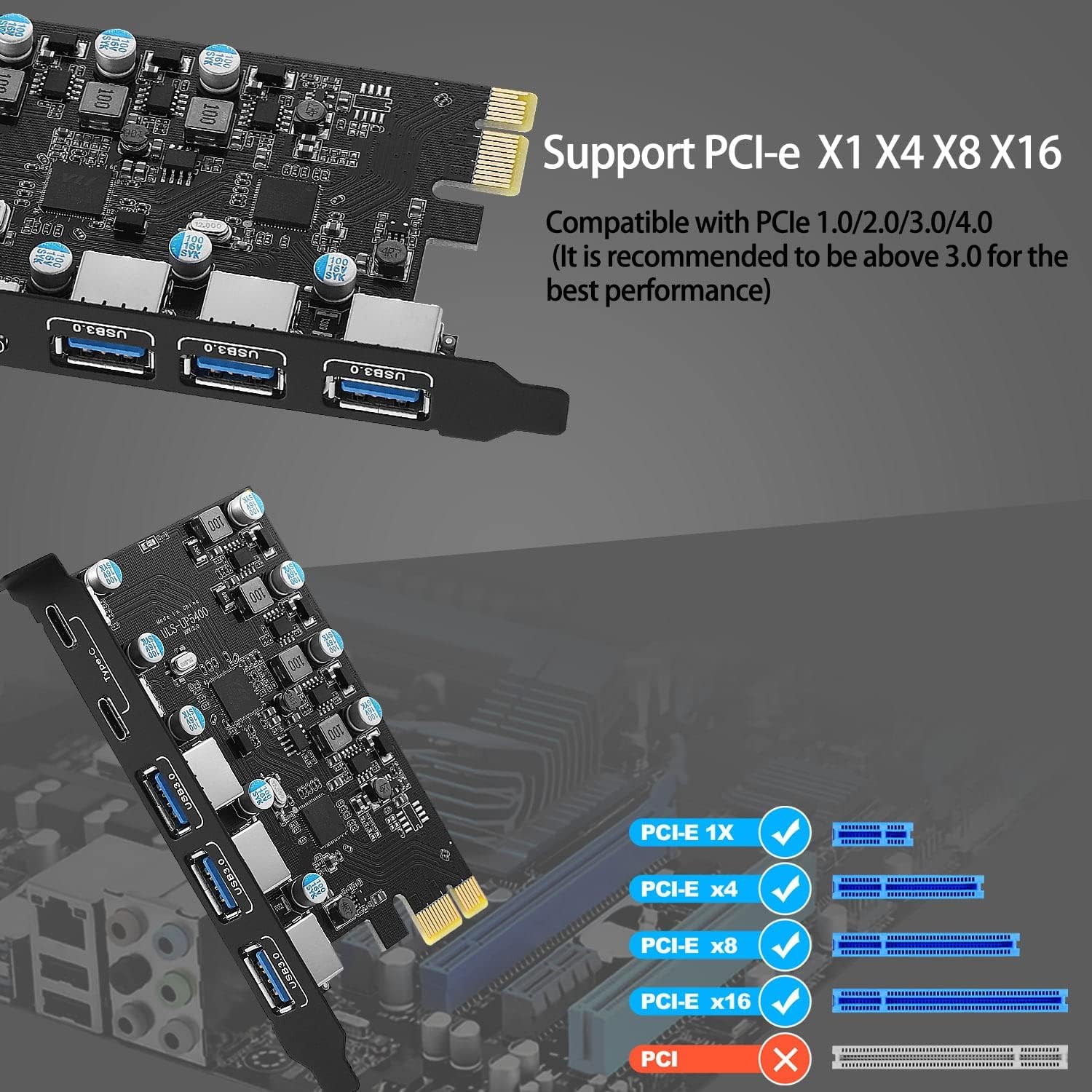
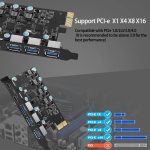
- Fits various PCI Express slots (x1, x4, x8, x16).
- Designed for regular-sized chassis; check compatibility before purchase.
How to use
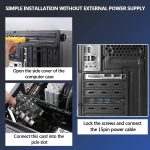
- Turn off the computer power and unplug it from the electrical outlet.
- Remove the cover from the computer case to access the internal components.
- Locate an empty PCI Express slot on the motherboard.
- Carefully insert the PCIe USB 3.0 Card into the chosen PCI Express slot.
- Secure the card in place using the provided mounting screw.
- Replace the computer case cover.
- Reconnect the power and turn on the computer. Install the driver if necessary, following the user manual instructions.
Compatibility
- Compatible devices: PC, printer, router
Specifications
- Brand: FARBOKO
- Model Number: UP5400
- Weight: 0.13 Kilograms
- Compatible devices: PC, printer, router
- Manufacturer: FARBOKO
- SKU: B0DR18NBDK
- Brand Name: FARBOKO
- Country of Origin: China
- Hardware Interface: USB
- Operating System: Windows 7, Windows 8, Windows 10, macOS (10.8.2 and above)
- Style: standard
- Style Name: standard
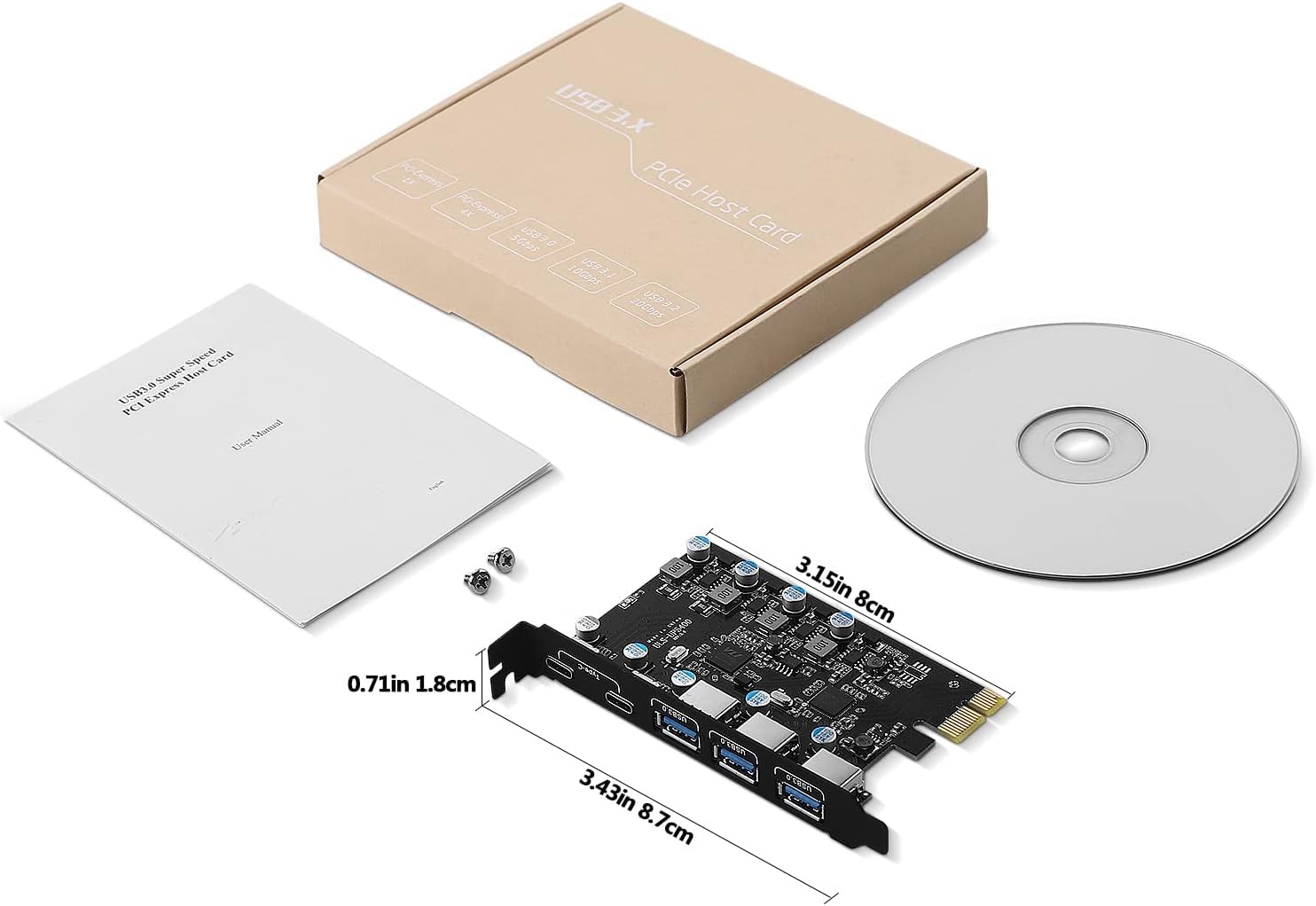
What’s in the box
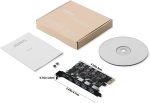
- 1 x PCIE USB expansion card
- 1 x Driver CD
- 1 x Mounting screw
- 1 x User manual
FAQs
Question
What operating systems are compatible with the PCIe USB 3.0 Card?
Question
How many USB ports does the PCIe USB 3.0 Card have?
Question
What is the maximum data transfer rate of the PCIe USB 3.0 Card?


Anthony R. –
This device works well, not only do the two USBC provide data but you do get 25W power, it says it cant be used with a oculus quest 3 but i have tried this with my quest 3s both with the link cable and charge and it works fine, no issues at all i am able to use the oculus link cable with power and stream with no issues.
Tabby –
This PCIe card is decent quality and good value. It’s easy to self-install, you don’t need to be a pro. It quickly upgrades and expands the ports on a PC to suit the latest peripherals that run off USB-C or USB 3.0.
Grogu –
The front of my trusty desktop PC had begun to resemble the back of a 1990s television cabinet—a chaotic jungle of hubs and adapters. With a distinct lack of modern USB-C ports, I decided it was time for some minor surgery.This PCIe card was the chosen transplant. The installation process was surprisingly painless and far less intimidating than it sounds. I powered down the PC, opened the case, found a spare PCIe slot, and clicked the card into place. That was it. There were no fiddly extra power cables to connect, which was a huge relief.On rebooting, my Windows 10 system recognised it instantly without any fuss or need for drivers. Suddenly, my ageing machine was catapulted into the present day. I now have two powerful 25W USB-C ports that can fast-charge my phone, and three extra high-speed USB-A ports to handle everything else. The days of daisy-chaining hubs are over. It even managed to power my friend’s power-hungry VR headset.For a modest cost, this card is a superb and straightforward way to add modern, high-speed connectivity to an older desktop, clearing up desk clutter and extending its useful life.Pros:- A very simple way to add 3 fast USB-A and 2 powerful USB-C ports to a desktop PC.- The USB-C ports deliver up to 25W of power each, suitable for fast-charging modern devices.- True plug-and-play installation on modern operating systems (Windows 10/11, macOS).- Draws all its power from the PCIe slot, with no need for an additional power cable.Cons:- Requires a spare PCI Express (PCIe) slot on your computer’s motherboard.- Users of older operating systems like Windows 7 will need to install drivers manually.Useful Tips & Technical FactsTip: Before purchasing, open your PC case to confirm you have a spare PCIe slot (these can be x1, x4, x8, or x16 in size).The card provides a total of 5 USB 3.0 ports, all capable of up to 5Gbps transfer speeds.I hope you found this review helpful or at least entertaining!
Massimo Pissarello –
Funzionale, ma migliorabile
Buona scheda USB aggiuntiva, ma con qualche piccolo difetto progettuale.La scheda è stata riconosciuta senza nessun problema sia da Windows 11 che da Linux, in quanto entrambi i sistemi operativi dispongono di drivers integrati per entrambi i chip.Nella confezione è presente anche un CD con i drivers per Windows 7, sistema operativo ormai obsoleto ma ancora utilizzato in alcuni ambiti specifici, quindi molto utile.Non è presente un connettore per l’alimentazione supplementare, quindi la potenza massima è limitata a quella fornita dal connettore PCIe (75W), sufficiente ad alimentare tutte le porte USB (50W per 2 porte USB-C, 23W per 3 porte USB-A).Non sono presenti dissipatori sui chip che quindi tendono a scaldarsi abbastanza, ma rimanendo comunque nei limiti del corretto funzionamento.Vediamo ora i difetti.La scheda è composta da 2 chip:- UPD720201: host controller da PCIe Gen2 a 4 porte USB 3.0, a cui sono collegate le 3 porte USB-A- VL81A-Q7: hub USB 3.2 Gen 1 a 4 porte con funzione PD (Power Delivery), a cui sono collegate le 2 porte USB-CI due chip hanno le stesse prestazioni in quanto USB 3.2 Gen 1 ed USB 3.0 sono equivalenti in termini di velocità (5 Gbps).Il VL81A-Q7 è collegato alla 4° porta del UPD720201, quindi le due porte USB-C viaggiano su una porta di upstream potenzialmente limitata dalle altre 3 porte USB-A: in via del tutto ipotetica, se a tutte le porte fossero collegate periferiche altamente performanti, avremmo questa situazione:PCIe Gen2 x1: 500 MB/sUSB-A: 1/4 di 500 MB/s = 125 MB/sUSB-C: 1/2 di 125 MB/s = 62 MB/sSi tratta di una situazione estrema, ma vedere una porta USB-C viaggiare più lenta di una USB-A fa un po’ strano.Inoltre, le rimanenti 2 porte del VL81A-Q7 non sono connesse, probabilmente per via del poco spazio a disposizione sul braccetto: in realtà sarebbe bastato utilizzare connettori USB-C verticali per riuscire a recuperare lo spazio necessario per le altre 2 porte, ed è un peccato perché 2 porte in più potevano essere utili, ed allo stesso prezzo si avrebbe avuto una scheda a 7 porte anziché 5.Riassumendo, si tratta di una buona scheda, ma i difetti progettuali fanno scendere il voto complessivo: assegno 4 stelle.
David Pardo Marmolejo –
Realmente bueno
Estupendo, necesitaba una ampliación de usb para micro, cámara y disponemos. Cumple muy bien
Sonicboom –
Works but sometimes stops and comes up with a command prompt and then works I don’t know if it is a problem with this item or the power supply I’m that old 37 well feel older to remember what wattage my PSU is may be I need to upgrade my psu idk
Oliver –
Einstecken – läuft
Eine angenehm kompakte und kinderleicht zu installierende Lösung für mehr USB 3.0 Anschlüsse am PC. In meinem Fall: auspacken, einstecken, Rechner einschalten. Win11 erkennt die Karte sofort und installiert die Treiber. Thema durch – USB Ports funktionieren. Top!
Titi –
Rempli parfaitement son rôle
Mis dans le port PCIE, puis ordinateur allumé. Reconnu tout de suite, tous les ports utilisables, charge rapide en usb C, le top.
Reinhard –
Unkompliziert und funktioniert
Keine Probleme, plug und play auf Windows 11 (Asus Z390 motherboard) auf einen X1 Steckplatz funkioniert gut. Sowohl USB-A wie USB-C. Geschwindigkeit ist beachtlich, die theoretischen Werte werden lange nicht erreicht, das mag aber an anderen Dingen liegen. Der Lade Amper Strom wurde von mir nicht gemessen und auch nicht ausprobiert.