
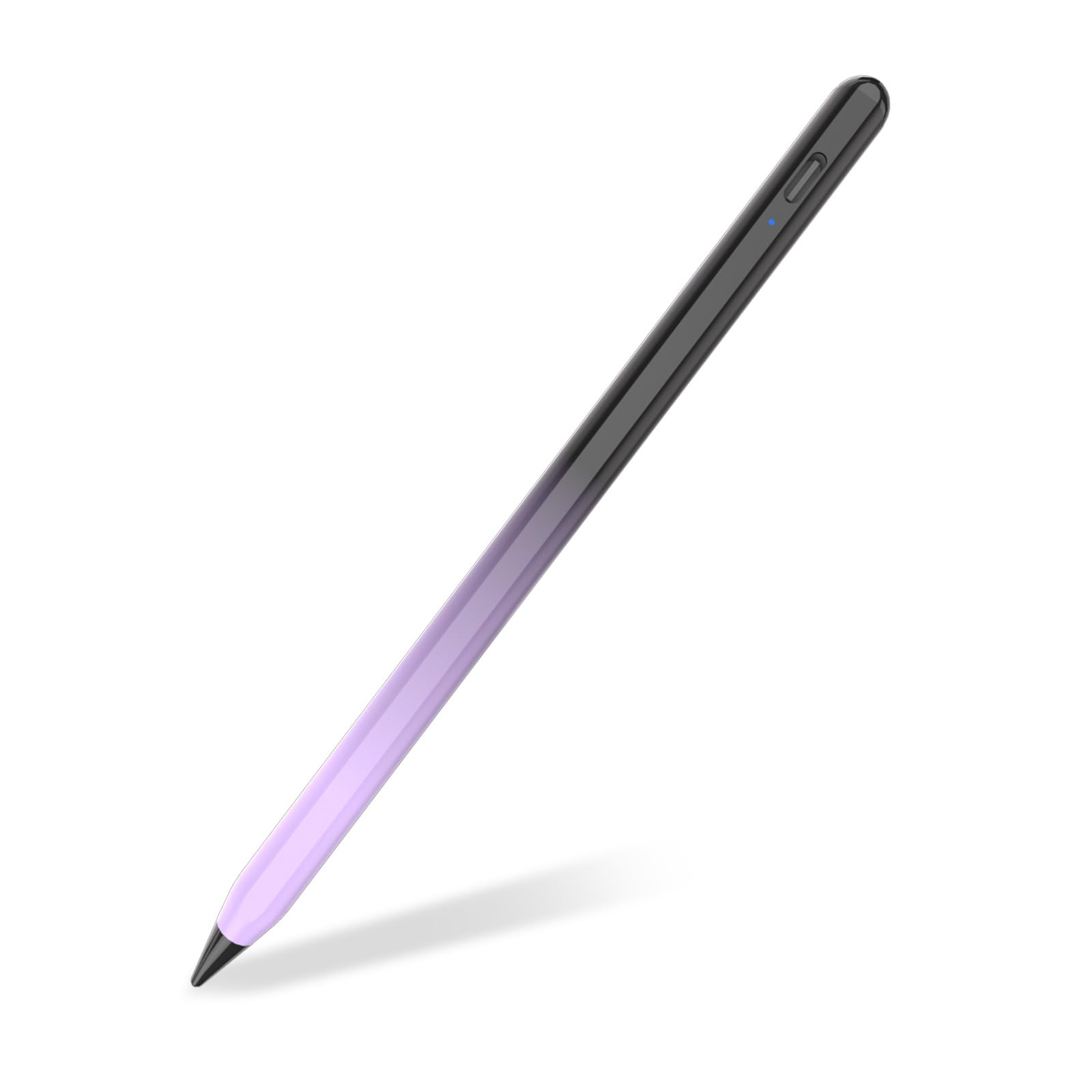



- Brand: TQQ
- Material: Aluminium
- Colour: Black & Purple
Overview
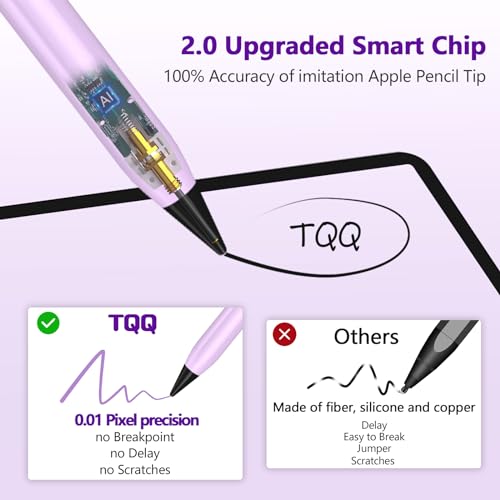
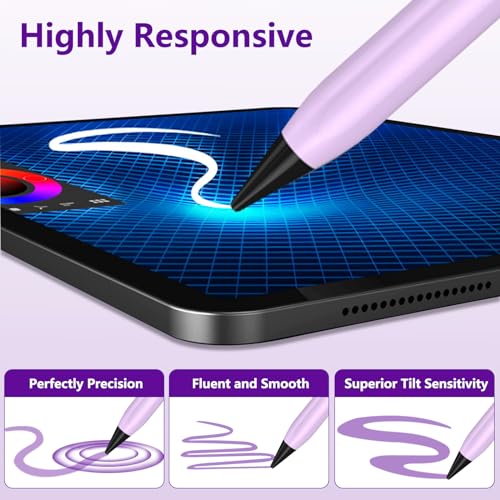
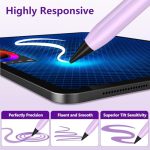
The Stylus Pen for Apple iPad (2018-2025) is designed to enhance your creative experience, making it ideal for artists, students, and professionals alike. With features such as tilt sensitivity and pixel precision, this stylus allows for detailed drawing, seamless note-taking, and effortless navigation on your iPad.
Whether you’re sketching your next masterpiece, jotting down lecture notes, or simply browsing through apps, this stylus provides a natural and responsive feel. Its user-friendly design ensures that you can easily turn it on and off with a simple touch, making it a practical tool for everyday use.
Key benefits
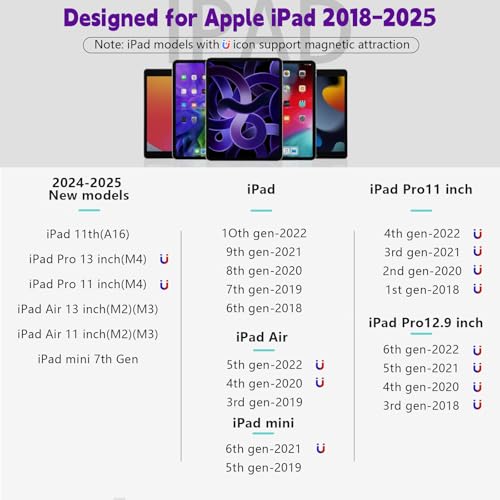
- Compatible with a wide range of iPad models from 2018 to 2025.
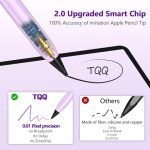
- Pixel precision for detailed drawing and note-taking.
- Tilt sensitivity for varied line thickness and shading.
- Easy to use—simply touch the cap to activate.
- USB-C charging for quick and convenient power-ups.
- Long standby time of up to 180 days.
- Lightweight aluminium construction for durability.
- Battery indicator with LED lights for easy monitoring.
How to use
- Ensure your iPad is compatible with the Stylus Pen for Apple iPad 2018-2025.
- Press and hold the pen cap for 2 seconds to turn on the stylus.
- Use the stylus for drawing, note-taking, or navigating on your iPad.
- If the stylus stops working, touch the pen cap again to reactivate it.
- Charge the stylus using the USB-C charging port as needed.
- Check the LED light indicator for battery status: green (85%-100%), blue (30%-85%), red (below 30%).
Compatibility
- Compatible devices: For iPad Pro 13”(M4)/11”(M4), iPad Air 13″(M2/M3)/11″(M2/M3), iPad Pro 12.9-inch(3rd/4th/5th/6th), iPad Pro 11-inch(1st/2nd/3rd/4th), iPad(6th/7th/8th/9th/10th/11th), iPad Air(3rd/4th/5th), iPad Mini(5th/6th)
Specifications
- Are Batteries Included: Yes
- Compatible devices: For iPad Pro 13”(M4)/11”(M4), iPad Air 13″(M2/M3)/11″(M2/M3), iPad Pro 12.9-inch(3rd/4th/5th/6th), iPad Pro 11-inch(1st/2nd/3rd/4th), iPad(6th/7th/8th/9th/10th/11th), iPad Air(3rd/4th/5th), iPad Mini(5th/6th)
- Item dimensions L x W x H: 16.9 × 1.1 x 1.1 centimetres
- Manufacturer: TQQ
- Material: Aluminium
What’s in the box
- Stylus Pen
- User Guide
FAQs
Does the Stylus Pen need to be connected via Bluetooth?
No, the Stylus Pen does not require a Bluetooth connection. Simply touch the pen cap for two seconds to use it on your iPad.
How long can the Stylus Pen be used after charging?
The Stylus Pen can be used for up to 3 hours continuously after a 10-minute charge.
What should I do if my Stylus Pen suddenly stops working?
If the Stylus Pen stops working and the LED lights are off, it may have entered standby mode after 5 minutes of non-use. Touch the pen cap again to reactivate it.


Denis –
E lo stesso colore
Sono fissato per le novità anche solo per il colore della funziona bene
Jess Taylor –
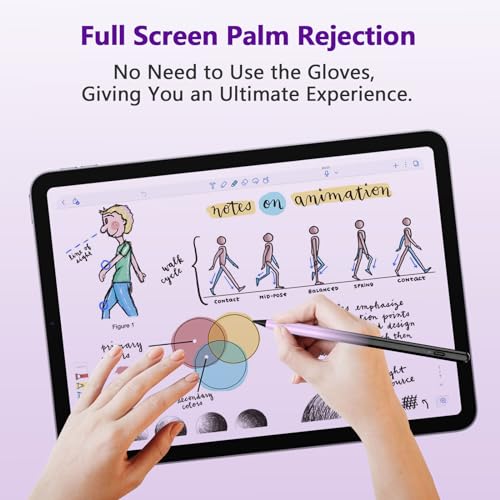
Price reflects its abilities. Palm rejection isn’t true, if you rest your hand on the screen while drawing/writing it will be a bad flow. Off instructions are incorrect also, has to be pressed twice. Works if you’ve misplaced your better version, is a good stand in until your able to sort something else.
binalameer –
I purchased the TQQ Pencil with high hopes, especially since the product claims to support a wide range of iPads, including the iPad Air 11 inch M2. However, despite all my efforts, the pen simply does not work with my iPad Air M2. I followed all instructions provided, tried various troubleshooting steps, but the pen remains unresponsive.This is incredibly disappointing, as I specifically bought this pencil for my iPad Air M2. The product description is misleading, and I feel let down by the false promises. The pen might work well with other iPad models as stated, but if you have an iPad Air M2, steer clear.The build quality seems decent, and it might work well for other supported devices, but the incompatibility with my iPad Air M2 makes this purchase a complete waste of money. The company needs to be clearer in their product descriptions and avoid making claims that their product cannot fulfill.
AB –
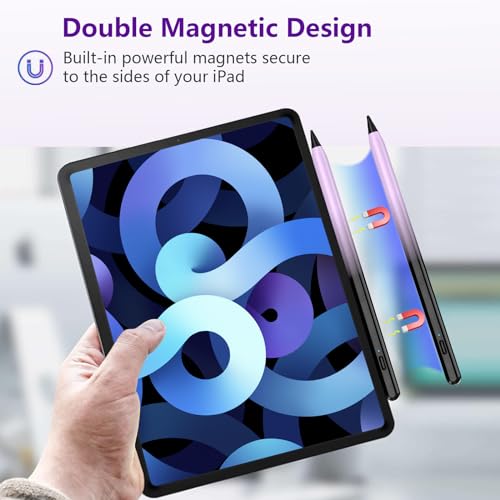
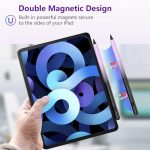
I am thoroughly impressed! The delivery was super quick, and the product arrived in perfect condition. The pencil itself is of excellent quality, with a sleek design that feels great in the hand.It’s incredibly easy to use, just turn it on and start writing or drawing, no complicated setup required. The tilt sensitivity and high precision are spot on, making it ideal for sketching, note-taking, and everything in between. The magnetic attraction is a fantastic bonus, as it keeps the pencil securely attached to my iPad when not in use.This is a great alternative to the Apple Pencil, offering amazing functionality at a fraction of the cost. Highly recommend it to any iPad user!
N.j –
So much cheaper than the official pen and does just what I wanted it for , works really well
Sammie –
The colour is beautiful. I went for the blue. It works really well on my iPad 9th gen. I even have a case on it for my 6 year old so it’s a bulky padded case and still works really well. I’d recommend to everyone and anyone 🙂
Ruhul amin –
Ok
Neanche passato un anno era questa prodotto guasto cosa devo fare adesso?
DJ –
Best for: Students, casual note-takers, light sketchingNot ideal for: Professional artists or those needing pressure sensitivityThe TQQ Pencil is a solid, budget-friendly Apple Pencil alternative. It’s ideal for everyday tasks like notes, doodles, or marking up PDFs, just don’t expect all the premium features of the original Apple Pencil.
Angelo D’Agostino –
Ottima
Funziona molto bene, bello avere le punte ricambiabili
Janet Taylor –
Bought as a gift as it was not suitable for my iPad, my granddauter love it.
John Coles –
Ok