



ID-COOLING SE-214-XT ARGB CPU Cooler 4 Heatpipes Overview
- Brand: ID-COOLING
- Material: Polycarbonate
- Colour: SE-214-XT ARGB RE
Overview
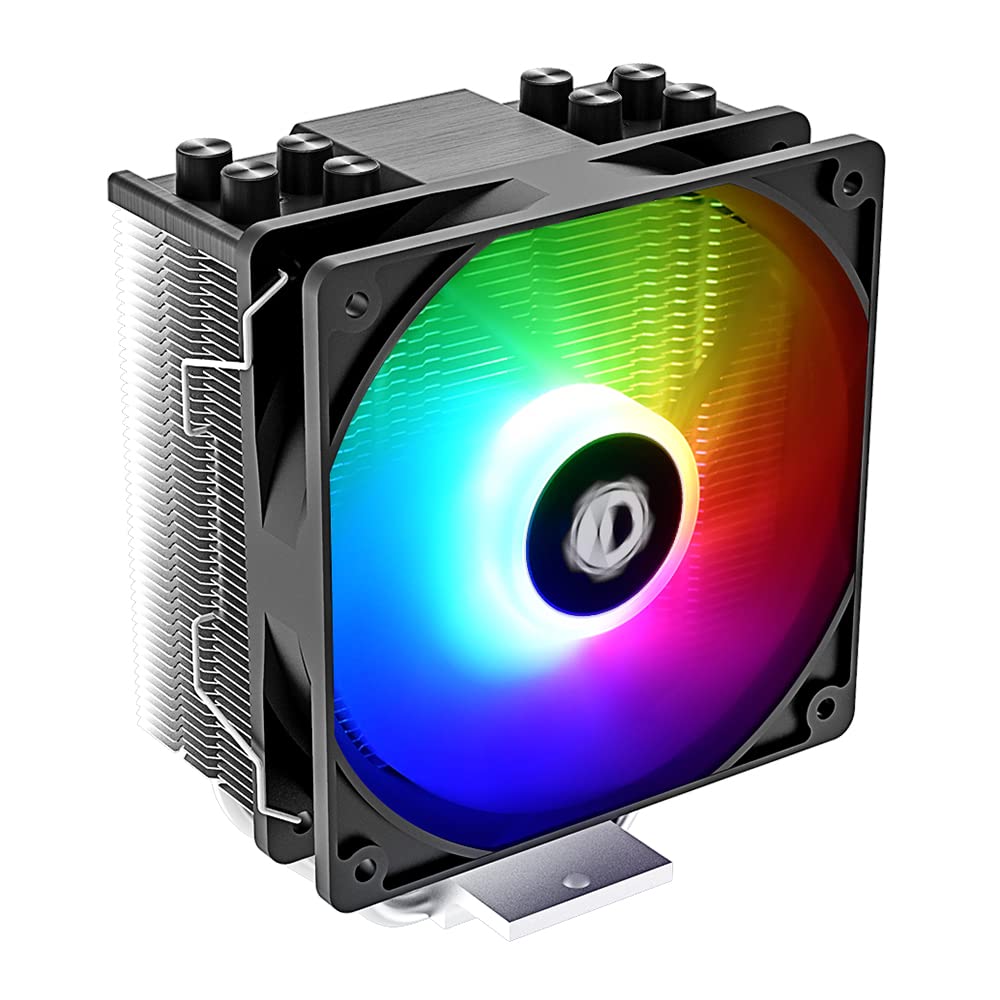
ID-COOLING SE-214-XT ARGB CPU Cooler 4 Heatpipes – The ID-COOLING SE-214-XT ARGB CPU Cooler is engineered to enhance your PC’s cooling performance with its efficient 4 heatpipe system and a 120mm PWM fan. This cooler is perfect for gamers and PC enthusiasts who require optimal temperatures during intense gaming sessions or demanding workloads, ensuring smooth operation without overheating.
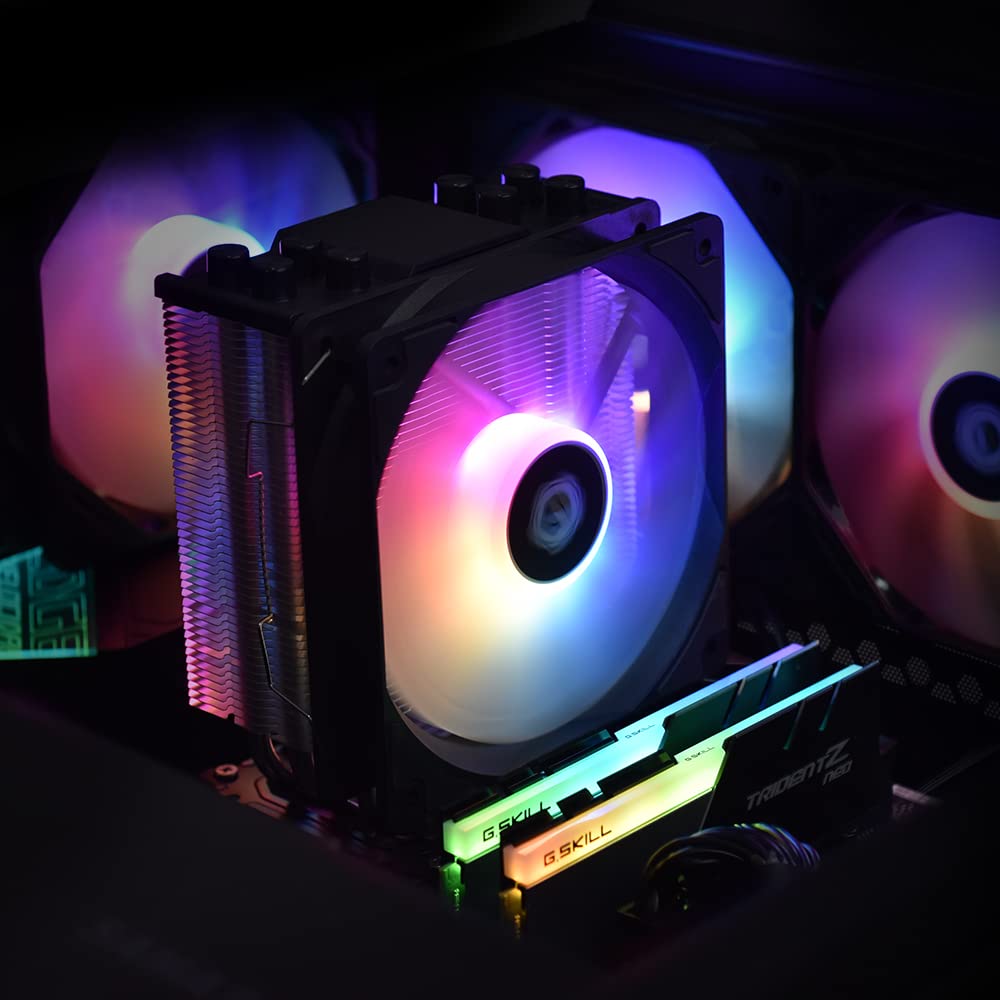
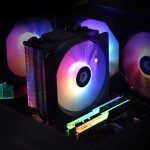
Featuring adjustable RGB lighting, the SE-214-XT not only excels in heat dissipation but also adds a vibrant aesthetic to your build. Its compatibility with both Intel and AMD sockets makes it a versatile choice for various desktop setups, allowing users to customise their cooling solution while enjoying a visually appealing PC environment.
Key benefits
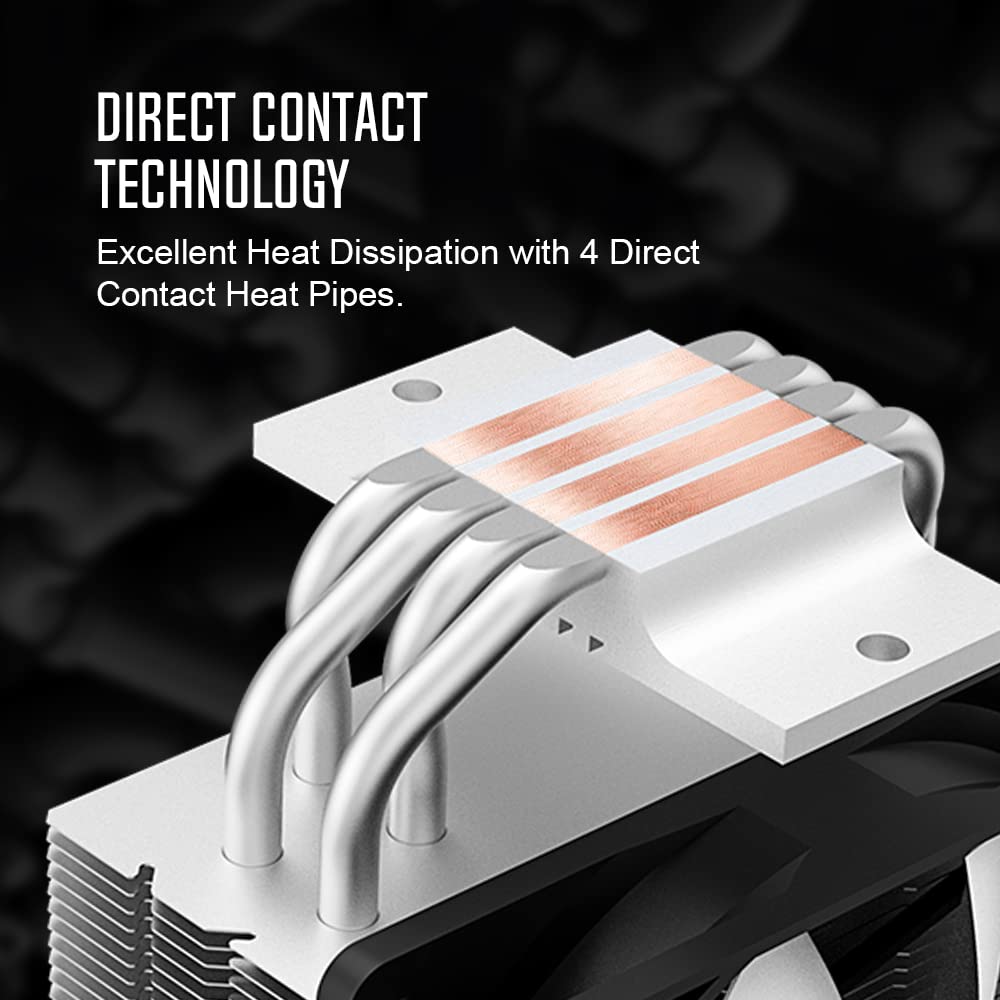
- Efficient cooling with 4 heatpipes for optimal heat dissipation.
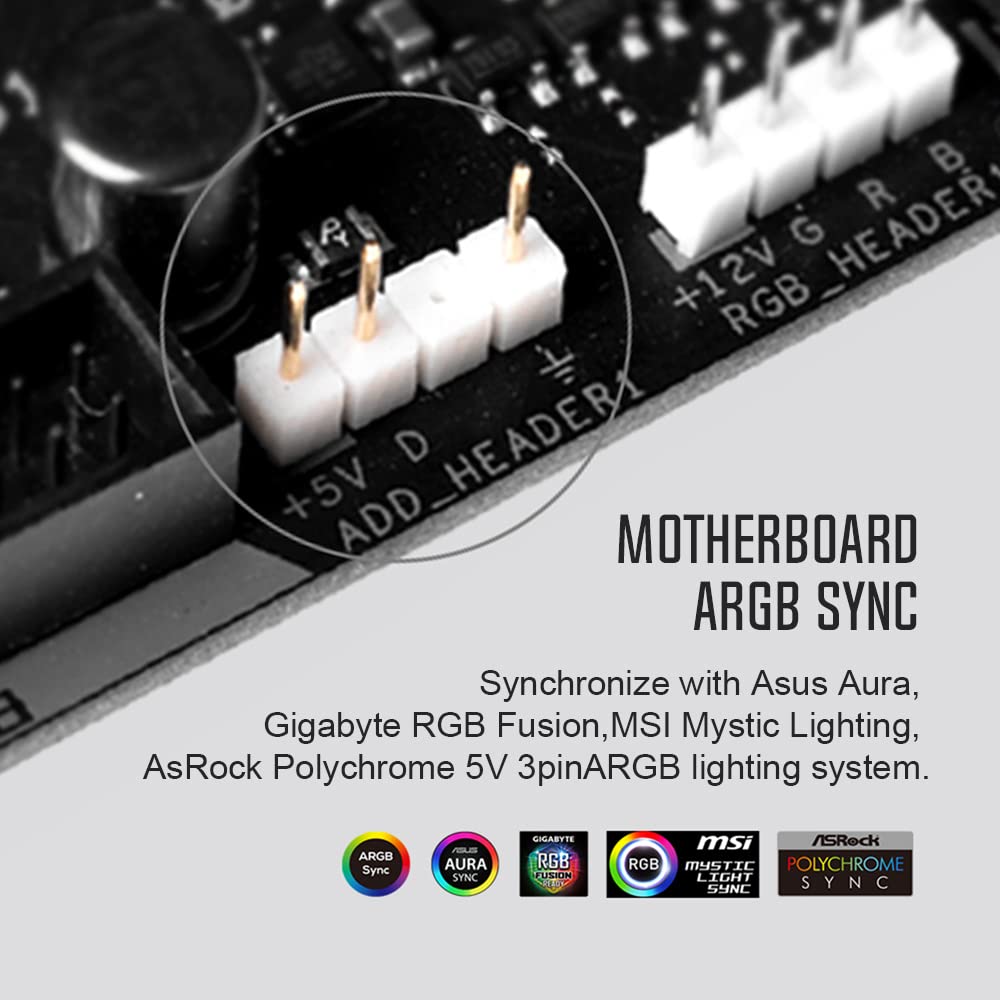
- Adjustable RGB lighting to personalise your PC build.
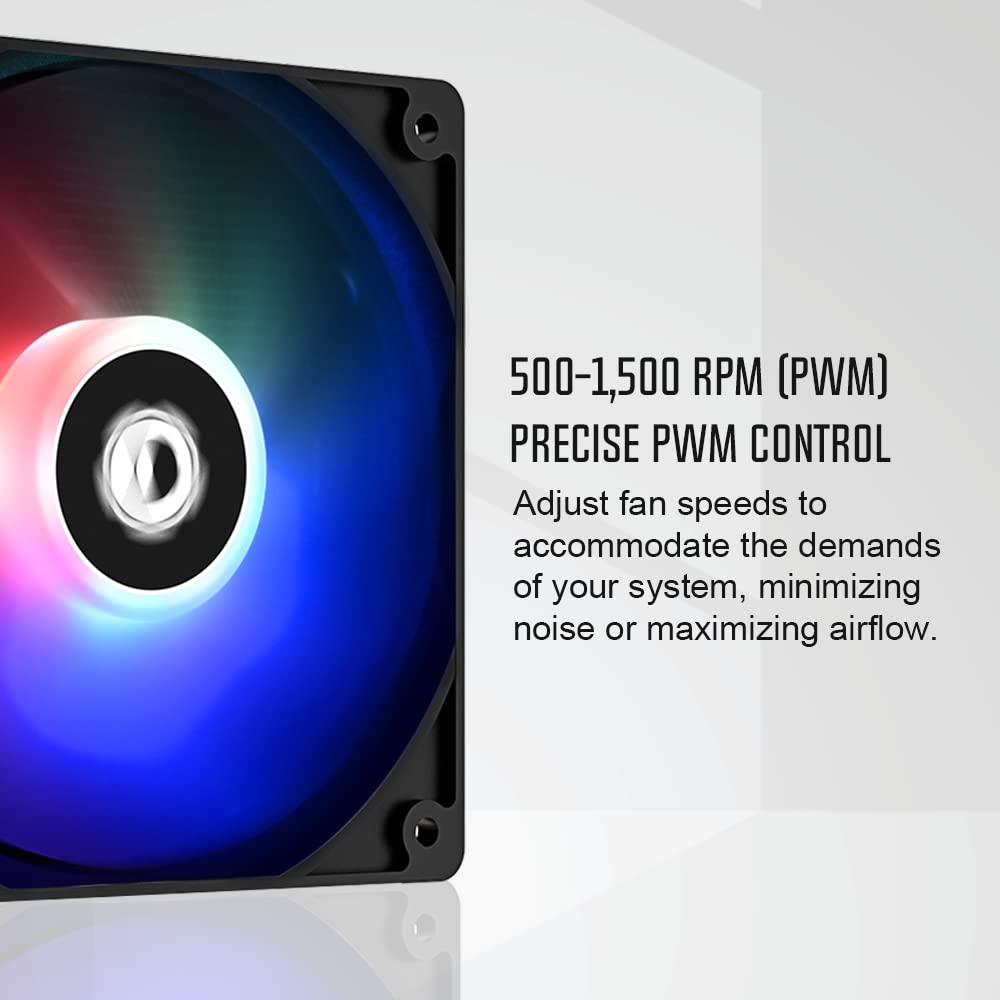
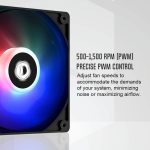
- PWM fan allows for dynamic speed adjustment based on system demands.
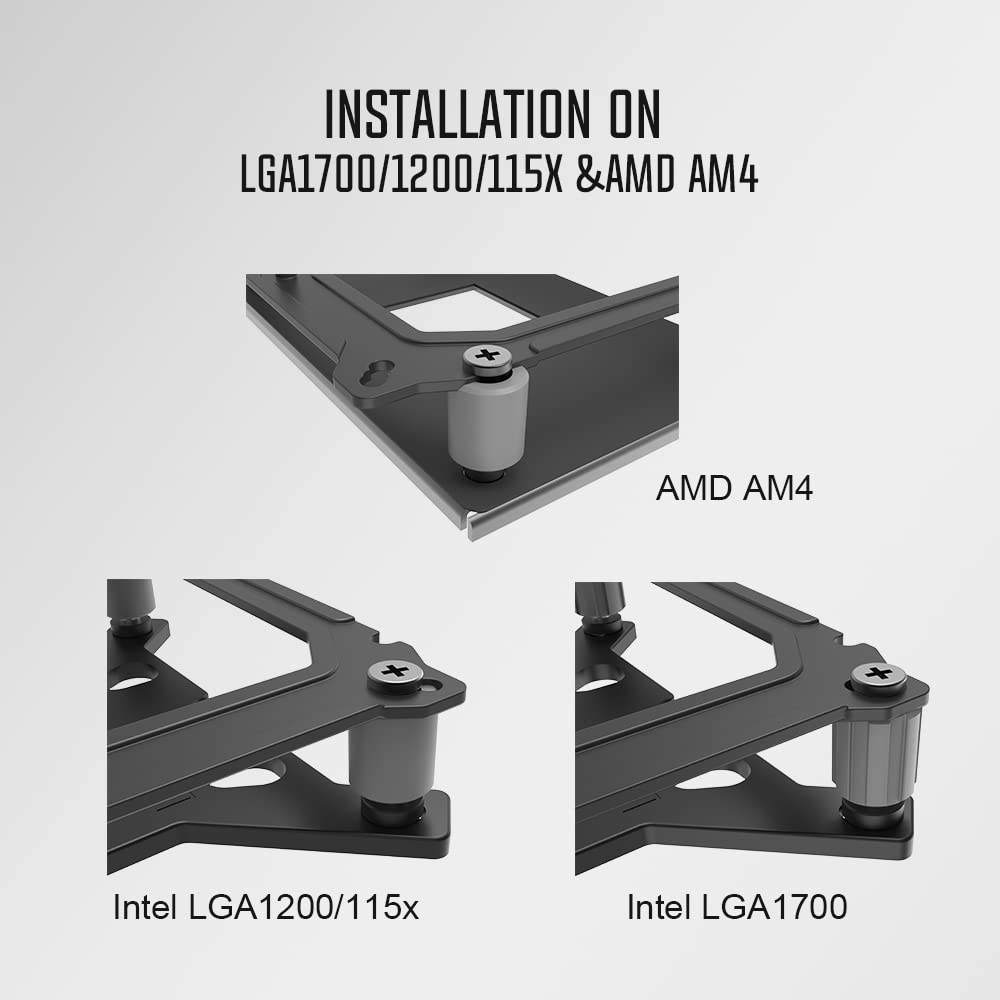
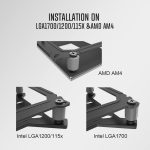
- Compatible with Intel and AMD sockets for versatile installation.
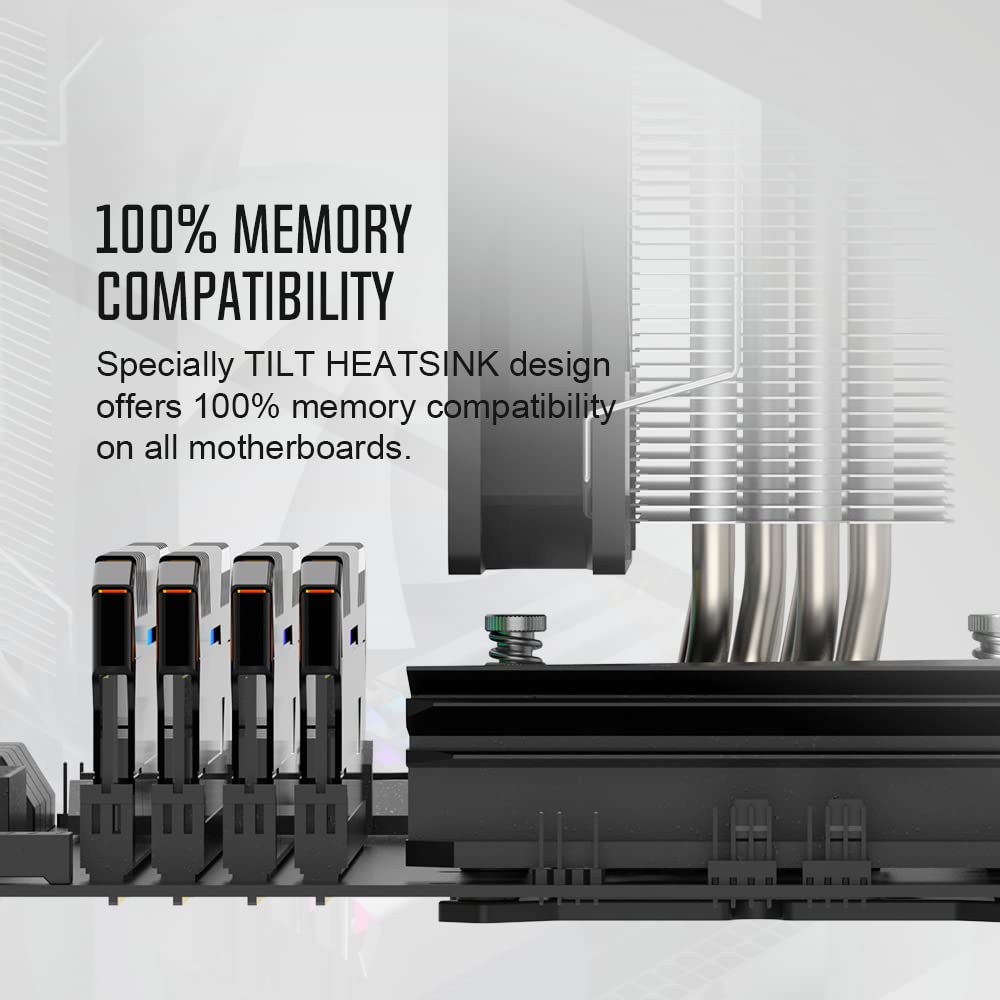
- 100% memory compatibility with specially designed tilt heatsink.
- Airflow capacity of 68.2 Cubic Feet Per Minute for enhanced cooling performance.
- Quiet operation with a noise level of just 30.5 decibels.
- Easy installation with a 3-Pin power connector.
- Constructed from durable polycarbonate material for longevity.
How to use
- Ensure your PC is powered off and unplugged before installation.
- Remove the existing CPU cooler from your motherboard carefully.
- Align the ID-COOLING SE-214-XT ARGB CPU Cooler with the CPU socket on your motherboard.
- Secure the cooler in place according to the manufacturer’s instructions.
- Connect the 3-Pin power connector to the appropriate header on your motherboard.
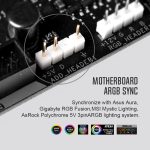
- Connect the RGB lighting to the 5V 3-PIN connector on your motherboard for synchronisation.
- Power on your PC and adjust the fan speed settings as needed for optimal performance.
Specifications
- Air Flow Capacity: 68.2 Cubic Feet Per Minute
- Cooling Method: Air
- Manufacturer: ID-COOLING
- Material: Polycarbonate
- Maximum Rotational Speed: 1800 RPM
- Noise Level: 30.5 Decibels
- Power Connector Type: 3-Pin
- Voltage: 12 Volts
What’s in the box
FAQs
What is the airflow capacity of the ID-COOLING SE-214-XT ARGB CPU Cooler?
The airflow capacity is 68.2 Cubic Feet Per Minute.
What is the maximum rotational speed of the fan?
The maximum rotational speed is 1800 RPM.
What is the noise level of the cooler?
The noise level is 30.5 Decibels.




shuc49 –
A very good value cooler; it keeps my CPU much cooler compared to my previous one. Cooling my AMD Ryzen 5 5600 to around 38°c-45°c at idle depending on the room temperature. The installation of the heatsink was simple, but fan was rather annoying to clip on using the supplied metal clips; though it worked out in the end. The fan is very quiet even at higher loads, but that is compared to my previous one which is basically a jet engine at higher loads. The Fan has RGB but since my b450 Tomahawk Max motherboard has no place to connect it, I unfortunately can’t use the it and can only use the fan as a normal fan without lights; Otherwise it works perfectly. Time will tell how long the fan lasts, but any regular120mm PWM fan is probably compatible (you just clip it on with the metal clips onto the heat sink). Overall, a very good cooler that does the job well and doesn’t break the bank.
Amazon Customer –
my fan on my two pipe low profile 65w cooler was going too fast making too much noise specially in this heatwave so I wanted to upgrade to something a little bigger.I was skeptical before buying due to really having no idea how much this would help based on reviews but it worked out and this review I am writing is the one I wanted!took a R5 5600 moderate idling few apps open from around 50 – 65C down to around 35C, on a fresh boot its even under 30C for a short whilemoderate gaming went from around 85C to around 45Cplastics of the fan feel a little cheap but the blades feel good and it isn’t making a sound! overall quality feels really good, have not tried any super intensive loads for long duration’s but given the performance I am seeing so far I am very happy and confident temps will hold.update : one issue I will note is the RBG of the fan is a bit wonky, from UEFI it would only set the fan to green no matter what combination of rbg I set, unless I set random, from an app in the OS seems like sending green was making the fan red and setting it red was making it green but at least the app would let me set whatever colors I wanted like solid white, ended up setting it to rainbowHighly recommended cooler for a R5 5600 and the price point is great
D. Neill –
Easy to install although I did watch an install video as a sense check as the instructions are a bit too sparse and eye-strain small. In terms of sound it’s maybe slightly louder than the Wraith Stealth it replaced, but still very good for having two 120mm fans instead of one 85mm. They are only running at about half speed at most.Performance-wise it has reduced a Ryzen 7600 idle temperatures from ~55-60c to ~35-40c, and gaming load from a toasty ~85-95c to ~45-60c. So about a 20-30c improvement for £20, with plenty of fan speed headroom for more, which seems to be a bargain.Overall a good value purchase and I doubt I’d see much better cooling even if I spent a lot more. Should be future-proofed for higher wattage CPUs as well.
Ben Emerson –
Usually not a fan of RGB, but the lights are fine and look good inside of my case. It also acts as a bit of reassurance that it turns on when I boot up my PC.I bought this fan because it was cheaper and will just work with my CPU, MoBo configuration. Installation was easy, just follow the instructions on the manual. The screws did initially give me a bit of trouble. This was my first time building a PC so I was nervous if I was doing something wrong, but what you need to do is apply more pressure down on the screws to make sure that they go into the holes on both sides (make sure that you so them evenly) as they are spring-loaded.Temps on my CPU I have no complaints. My Ryzen 7 5700x stays very cool on idle and doesn’t get hot when gaming.Noise levels is hardly noticeable, even when sitting right next to it.Only real complaint I’ll give with the installation is how fiddly it is installing the fan onto the heatsink. Idk how it is with other coolers of a similar form factor, but it something that I found stressful as a first time builder.
Umairu Chan –
Great cooler, great price, handles Ryzen 9 (5950x) CPU just fine.
Impressive little cooler, especially when you consider the price. Currently using it on a 5950x. Was worried it wouldn’t be enough for this CPU, but after doing the Multi-core R24 Cinebench test the CPU temp stayed around 66C the entire time, with one small spike of 72C at the beginning of the benchmark. So, if it can handle 145 watts just fine, I think you could even get away with using this on a 7950x or 9950x (maybe not the 9950x, but I’d be curious to see someone try). No need to spend way more on a noctua, this cooler is great. Why did you pick this product vs others?:Low price and good reviews.Mountability:Easy to mount.Size:It’s definitely not a small cooler, but I was able to fit it in a 18L ITX case without any issues. Noise level:Fans are very quiet. Build quality:Had to gently bend two fins back in place, but I think that’s bound to happen during shipping due to how thin the heatsink fins are. Wouldn’t really call that a downside, just felt like it was worth mentioning. Otherwise, the copper base looks well machined and the headsink assembly is overall very sturdy. Airflow:I’d recommend making sure you have an intake fan very close by this cooler, even if it means you have to change to a back-to-front airflow configuration. After changing to that setup, my temps went way down. I think it’s just a good practice to feed your CPU coolers cool, fresh air.
wouchi –
déçu
reçu avec du retard, mais le plus gros problème c’est les ailettes en aluminium qui étaient tordues alors que le produit est neuf ! j’ai renvoyé l’article, mais la encore c’est uniquement par dhl donc pour le retour c’est plus compliqué car pas moyen de le laisser à la poste.
KB –
I got this to use with an i5 14400F instead of the stock heatsink, it does the job nicely. Easy to fit once you see how (youtube vids better then the tiny writing on the pamphlet).Keeps temps low and isn’t that loud. Looks quite stealthy in the case.As the fan mounts onto the side of the heatsink, it does foul against the first memory bank on a Gigabyte DDR5 B760M board, so consider that if you want to use all slots.
A customer –
Works great, easy to install
Worked perfect for my CPU upgrade – handles the heat easily and fan noise isn’t noticeable under heavy loads. Seems pretty durable and quality even at the price. I definitely would recommend if you’re looking for a CPU cooler upgrade at an affordable price.
Anonymous Reviewer 338 –
Great cooler at its price point!
This was a great air cooler for less than $18!I’m using it to cool an AMD 9800x3D; I think if I stress tested the CPU it might not keep up, but in daily use it cools the CPU quite well. It was easy to install though I had to google to figure out how to attach the fan clips as that wasn’t covered in the instructions. I also did not use the included thermal grease, though I appreciated that they included it. The RGB lighting is a bonus, and works fine.This is a great option for someone (like me) who is intending to water cool the CPU but needs to run it on air a bit to make sure the parts are all working.
Amazon Kunde –
Sehr guter Kühler für wenig Geld.
Sehr guter Kühler für wenig Geld. Absolut empfehlenswert !
kai Jonynas –
It comes with a packet of thermal paste, very easy to install although I messed it up at first because I mounted the brackets upside down, looks great especially after I put the Ryzen sticker on, great airflow it flows straight through out the rear fan. And the quality for the price is mental.
Amazon Customer –
Nice quality and easy to install on AMD platform. Instructions slightly difficult to follow – I ended up using the grey intel spacers instead of the red AMD ones but seems to be working OK.I didn’t use the included thermal paste (prefer arctic mx) so can’t comment on that but the cooling performance has been excellent and the included fan is nice and quiet.Cooler comes with additional clips to add a second fan which is good and fit easily on my itx motherboard.
Mase Harvey –
Very good cooler. Keeps my computer at 20° on desktop with my 75700g. Would recomend