



MOTOPOWER MP69041 OBD2 Car Scanner – 5 in 1 Diagnostic Overview
- Brand: MOTOPOWER
Overview
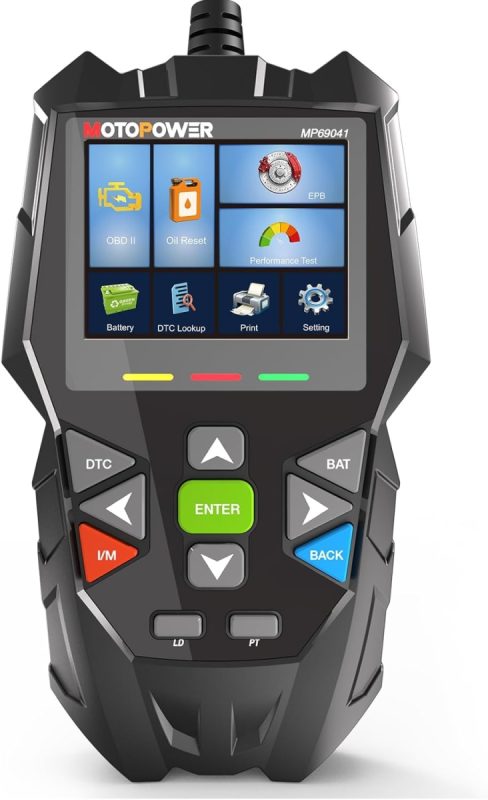
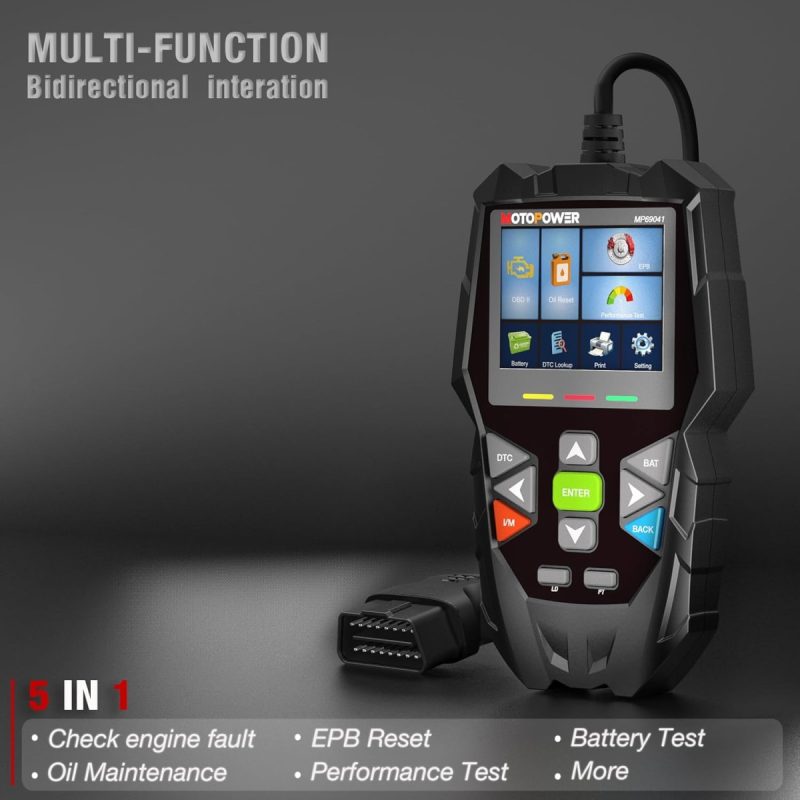
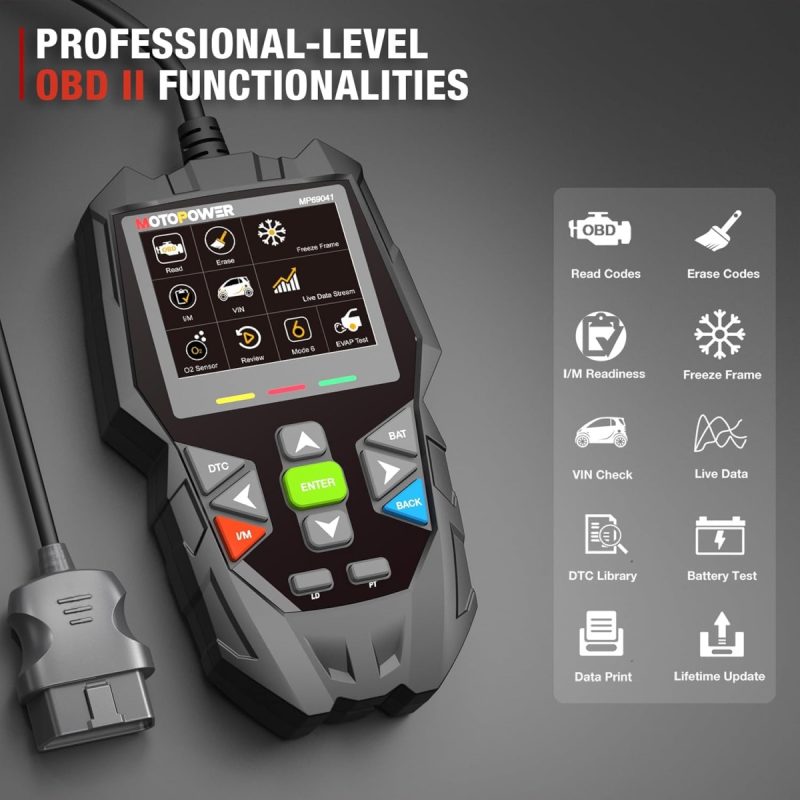
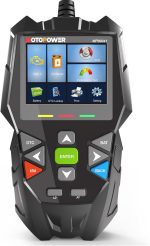
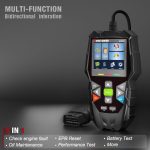
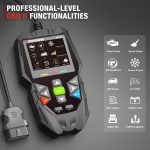
MOTOPOWER MP69041 OBD2 Car Scanner – 5 in 1 Diagnostic – The MOTOPOWER MP69041 OBD2 Car Scanner is a versatile diagnostic tool designed for both DIY enthusiasts and professional mechanics. This 5-in-1 scanner enables users to read and clear engine codes, perform oil change resets, EPB resets, and conduct battery and alternator tests, providing essential insights for smarter vehicle repairs.
With its user-friendly 2.8-inch TFT colour screen and plug-and-play functionality, the MOTOPOWER MP69041 is ready to use straight out of the box. Whether diagnosing issues at home or in a workshop, this compact scanner enhances your ability to monitor vehicle performance and make informed maintenance decisions.
Key benefits
- Read and clear engine codes for quick diagnostics.
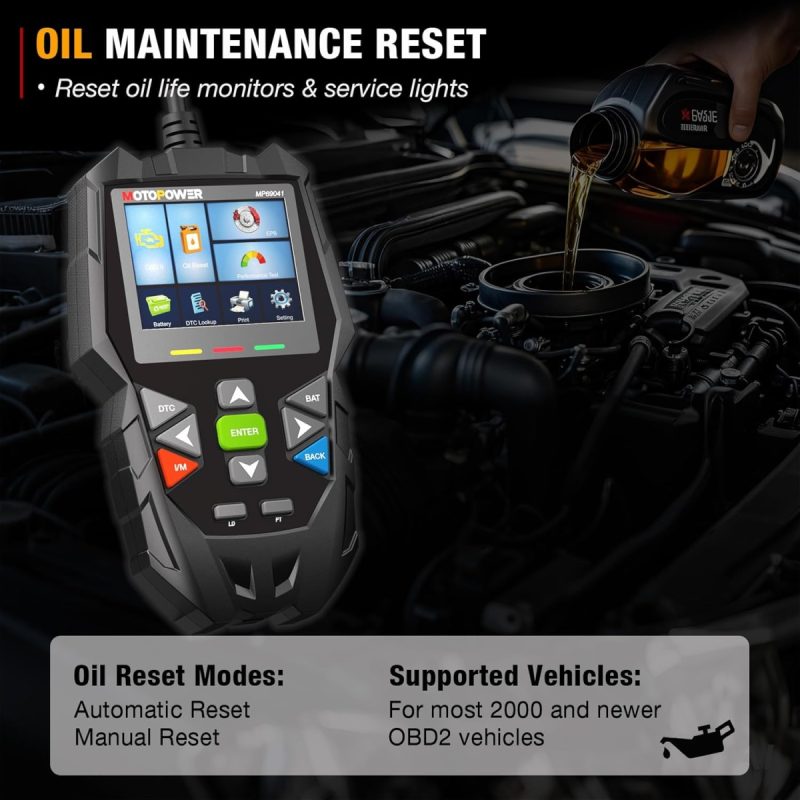
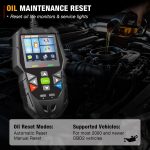
- Reset oil life monitors and service lights on various vehicle models.
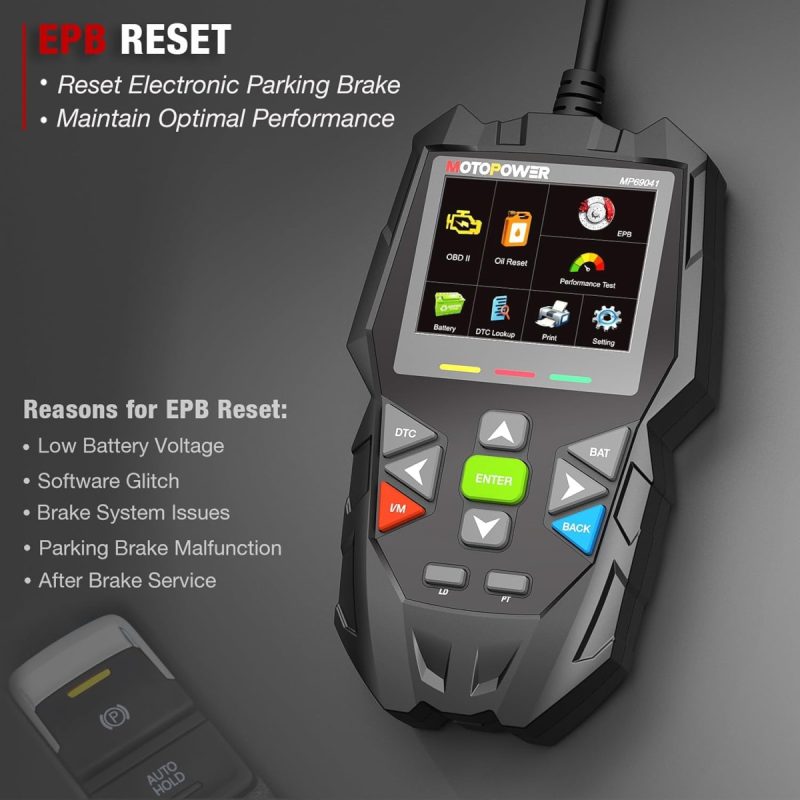
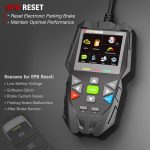
- Professional-grade EPB reset functionality for brake pad calibration.
- Advanced battery and alternator testing with real-time monitoring.
- User-friendly 2.8-inch TFT colour screen for clear results.
- Plug and play design for immediate use without apps or WiFi.
- Lifetime software updates for access to the latest features.
- Multi-language support for diverse user accessibility.
- Extended cable design for easy access in tight spaces.
How to use
- Connect the MOTOPOWER MP69041 OBD2 Car Scanner to your vehicle’s OBD2 port.
- Turn on the vehicle’s ignition without starting the engine.
- Power on the scanner by pressing the power button.
- Follow the on-screen prompts to select the desired diagnostic function.
- Read and clear engine codes or perform maintenance functions as needed.
- Review the results displayed on the 2.8-inch TFT colour screen.
- Disconnect the scanner once you have completed your diagnostics.
Specifications
- Brand: MOTOPOWER
- Model: MP69041-Black
- Weight: 430 g
- Screen Size: 2.8 inches
- Functionality: OBD2 Scanner
- Languages Supported: 10 Built-in Languages
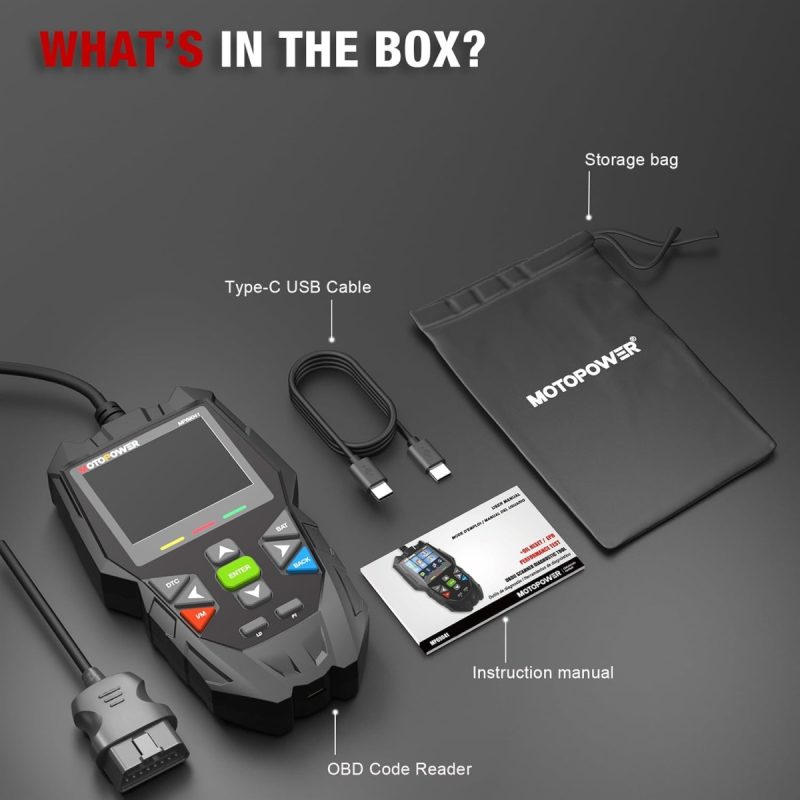
What’s in the box
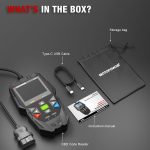
- OBD2 Car Scanner
- User manual
FAQs
What functions does the MOTOPOWER MP69041 OBD2 Car Scanner support?
The MOTOPOWER MP69041 OBD2 Car Scanner supports reading and clearing engine codes, oil change resets, EPB resets, and battery/alternator tests.
What is the screen size of the MOTOPOWER MP69041 OBD2 Car Scanner?
The MOTOPOWER MP69041 OBD2 Car Scanner features a 2.8-inch TFT colour screen.
Is the MOTOPOWER MP69041 OBD2 Car Scanner easy to use?
Yes, the MOTOPOWER MP69041 OBD2 Car Scanner has a user-friendly interface and operates without the need for apps or WiFi, making it accessible straight out of the box.





G –
Good Value. Works easily on connection. Simple user instructions.
R S –
Good but not for electric car
Vicky –
This car fault scanner is easy to set up and use out of the box. It feels good quality and I have used it on my mini to check a fault code after collecting my car from MOT, the result was correct and the garage repaired it the next day, the machine meant I was confidently able to discuss the problem with the garage. I feel it’s good value for a non-mechanic to use.
🎀 🎁 Cool 🎁 🎀 –
I recently gave this OBD2 scanner a go, and I’m seriously impressed. As someone who’s had to deal with engine lights and car diagnostics, this tool is a game-changer. It’s not just your basic code reader; it does so much more! From instantly reading and clearing engine codes to advanced functions like oil change reset, EPB (electronic parking brake) reset, and even battery/alternator testing, this scanner covers it all.I particularly loved using the oil maintenance reset feature. It’s perfect for DIY oil changes, letting me reset the oil life monitor without needing to go to the dealership. The step-by-step guidance was really easy to follow, and I felt confident that I was doing it right. The EPB reset for brake pad replacement was also a breeze – the real-time feedback ensured I didn’t miss anything, keeping things safe and compliant.What stood out most to me was the ease of use. The 2.8-inch colour screen makes everything easy to read, and the fast speed of the diagnostic tool saved me time.
Miss H –
I knew of a fault with my car so tried to this check it works. It does work and identified the problem straight away so a great tool to save money if you can self-diagnose a problem.
Halloween Scream –
This OBD reader isn’t the most technical and it lacks many of the features of higher end, far more expensive models. However, for the very reasonable price it’s a pretty decent little gadget to own if you like to educate yourself on your vehicle for basic issues before you visit a mechanic.The device is easy to plug in to your car, instantly starting up the moment connection is made. The screen is bright, very clear and colourful and the interface operates super-fast and efficient, no delay when pressing buttons, unlike a far more expensive OBD I used before. The menu structure is intuitive and well designed with enough features to make this device worth having.I will add that even with this device being more basic than others you still need some basic mechanical knowhow to understand what you’re looking at, so it’s certainly not for everyone and still a techy piece of kit you can live without, if you trust your mechanic.
GeekyPixie –
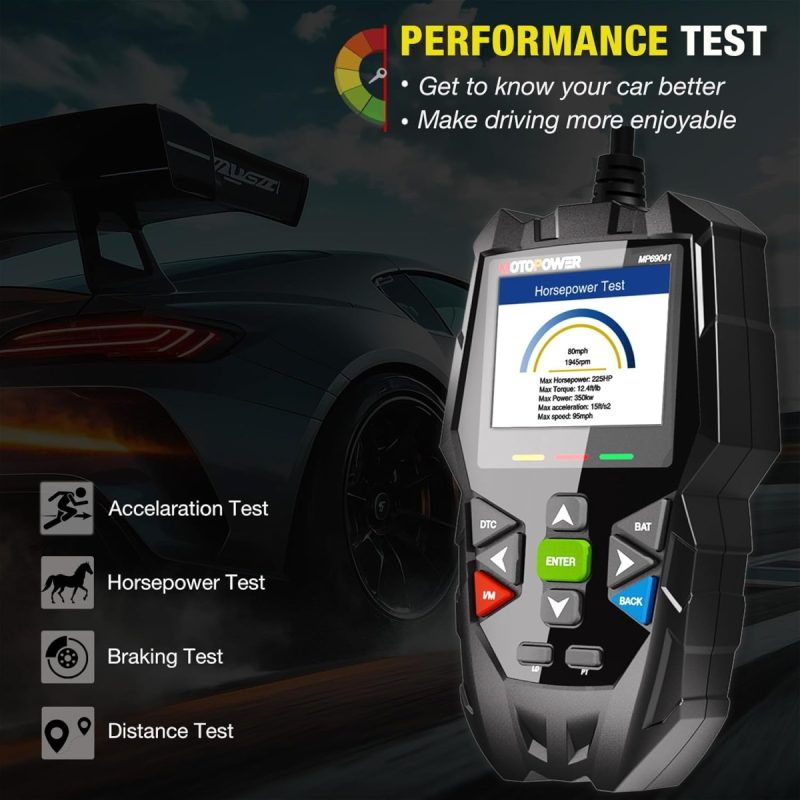
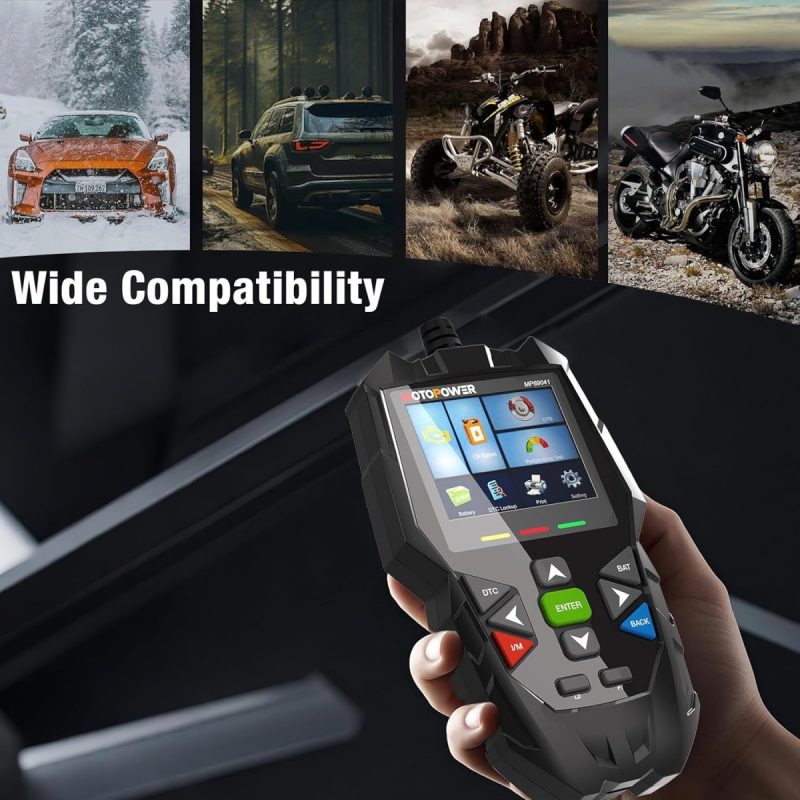
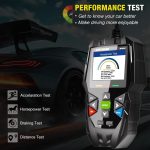
I needed a code reader for my car, and this scanner looked promising. While not professional-grade, it’s a handy tool for DIY maintenance, and I wanted to use it to check my car.Pros:• Easy-to-navigate home screen• Tracks engine stats in real-time• Monitors general vehicle healthCons:• Limited compatibility with older cars• Couldn’t reset service light or detect historic faultsMy initial experience was positive. The unit feels solid without being heavy, and the colour screen is clear and bright.The build quality is decent for the price, with well-protected components including the extended cable.I’ve found this successfully tracks revs and engine stats, which helps identify power loss during acceleration. The brake test works well but the display could be clearer when driving.The diagnostics and vehicle compatibility are where it disappointed me. Despite promised broad compatibility, it couldn’t fully communicate with my car’s ECU (I have an 08 Volvo). It failed to reset the service light or detect historic faults – features I needed and I know it had had faults. It seems to be intended to work with newer vehicles than my older model.So, whilst this scanner offers good value for basic diagnostics on newer cars, it disappoints if you need comprehensive functionality. While it’s useful for health monitoring and performance testing, don’t expect full ECU access, especially on older vehicles.
Mario Couturier –
Et il e change de langue
C’est un bon outil pour vérifier les code et faire diagnostic et les tests les sensor et effacer les codes et facile s’utiliser
Aiden Grimm –
Works Perfectly for Rear Brake Jobs on Modern Vehicles
This OBD2 tool did exactly what I needed. It successfully retracted the electronic parking brake (EPB) on my 2017 Honda Civic during a rear brake job. It supports vehicles from American, European, and Asian manufacturers, which adds great versatility.If you’re considering alternatives, there is a manual way to retract the EPB piston, and it sits inside the standard rear brake piston commonly found on modern vehicles. But this tool makes the job way easier and more efficient. Highly recommend for DIY brake maintenance.
Brandon Crider –
Great scan tool at an amazing price
Bought this scan tool specifically for doing the rear brakes on my girlfriend’s car. Great for working on electronic parking brakes.
michel –
Scanner epb obd2 oil reset wowwwww
Wowwww c du wowwwww incroyable fait un subaru frein a main électrique sa pris 30 seconde pour être en mode service ensuite un autre 30 secondes pour revenir en mode ajustement c du wowwwww j vous conseille ce scanneur en obd2 c génial check engine wowwwww
KMeyer –
Worked great.
Purchased stridkly due to it was the cheapest unit on Discount Delights that turned off electronic e brakes. Worked perfect putting a 2019 Subaru forester into maintenance mode and back on without issue.